The Settings UpdateLabyMod 4.6
LabyMod 4.6 is here! One central menu for all features, built-in addons, live previews, favorites and a powerful search.
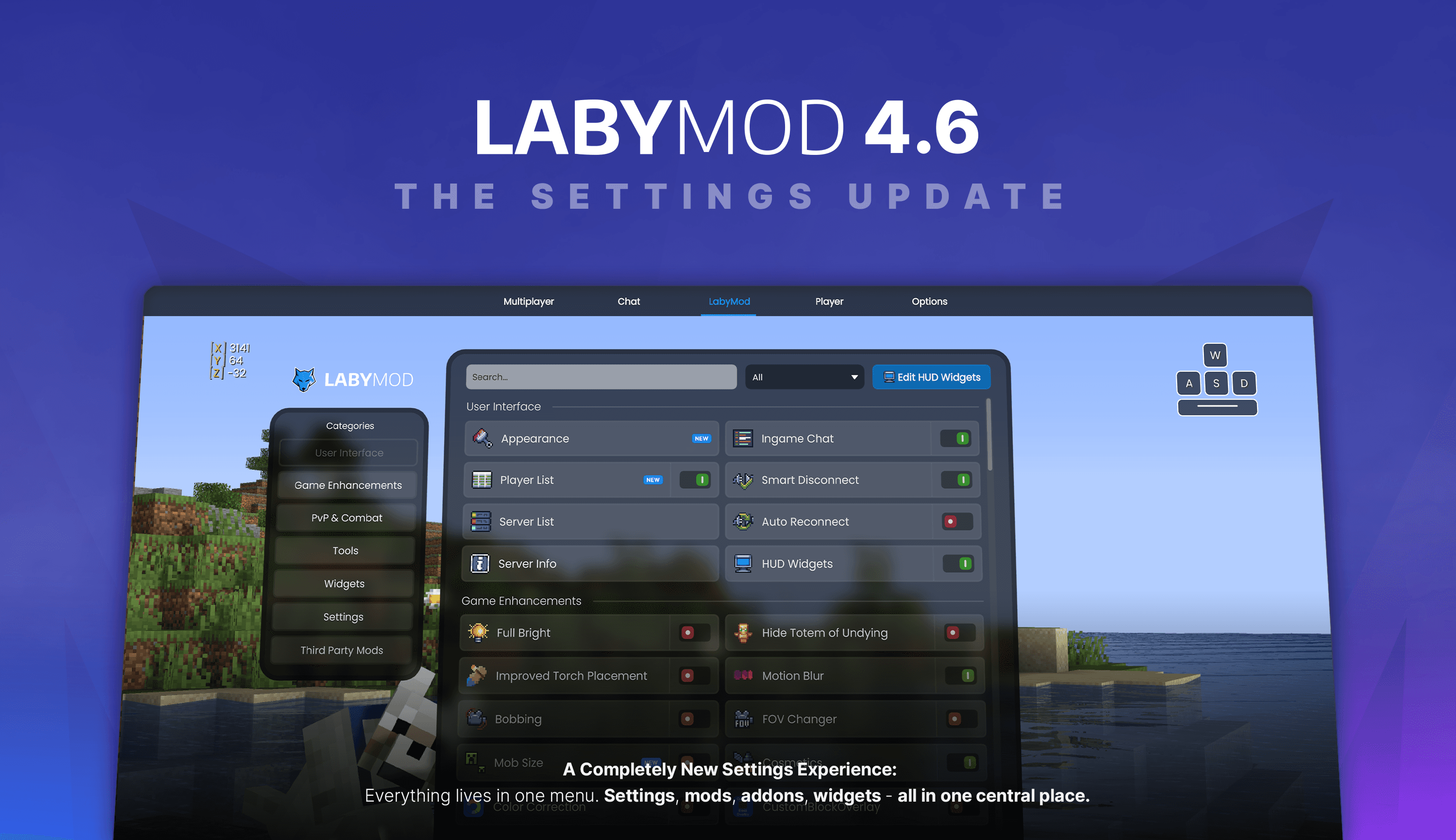
The Settings Update - LabyMod 4.6
Finding a setting in LabyMod should be easy. But over the years, our menus grew and grew. A mod setting was here, a widget option was there, and addon settings were somewhere else. With LabyMod 4.6, this changes. We rebuilt the complete settings experience from scratch, and it improves how you use almost everything in LabyMod.
Here is what's new.
One Menu. Everything.
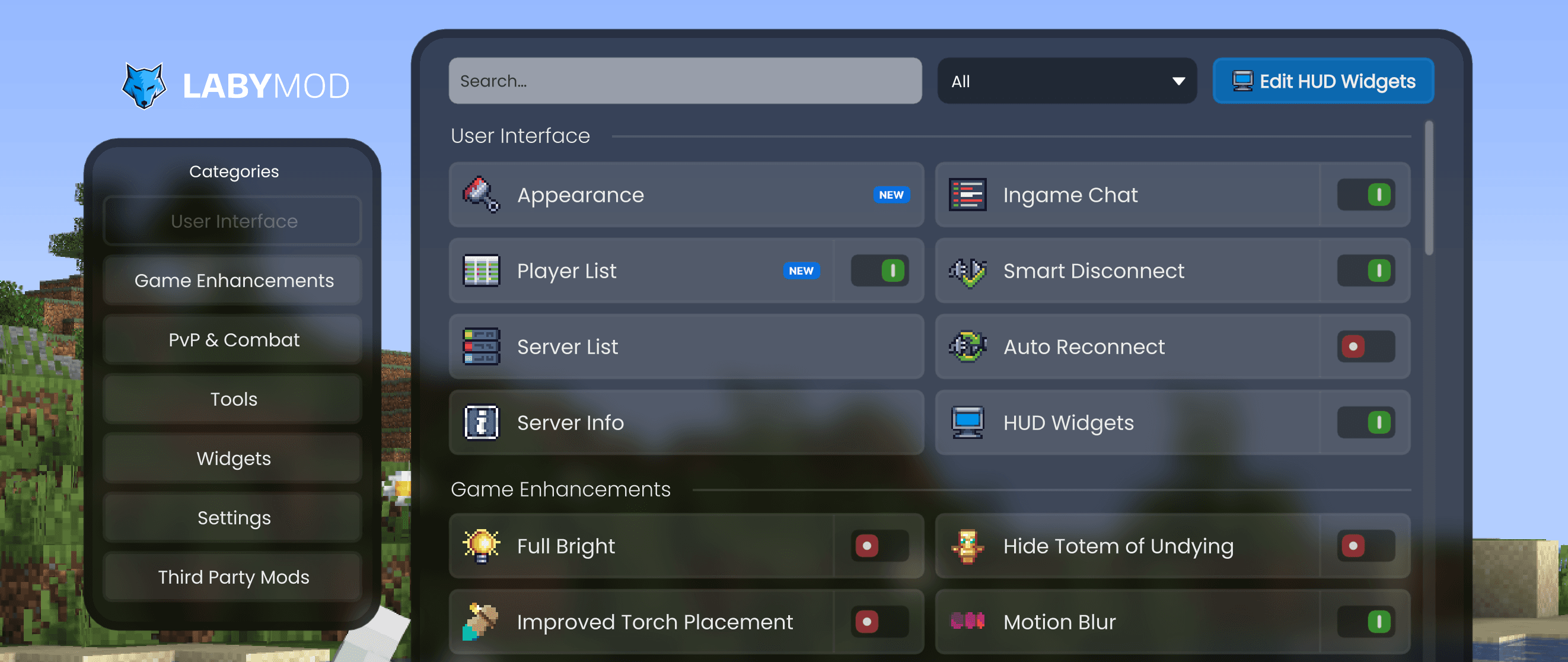
Settings, mods, addons, and widgets: everything is now in one central place. You no longer need to switch between different screens or search for a hidden option.
The new menu follows a simple idea: the LabyMod tab gives you an overview of all features. Every button stands for one mod or one feature. Addons fit seamlessly into this list, and widgets do too, because in the end, every addon and every widget is just another feature.
The Addon Store and the Widget Editor are part of this list too. They are no longer separate places, they are simply entries in the same menu as everything else.
Our Own Addons Are Now Built In
Voice Chat, Keystrokes, Minimap, and many more of our own addons are now a fixed part of LabyMod. You no longer need to download them separately from the Addon Store. They are simply there from the start.
Why did we change this? For new users, the old system was really confusing. Some of our features were directly in the settings, while for others you had to go to the Addon Store first. There was no good way to explain this split, and many people simply never found these features.
Of course, you stay in control: everything can still be disabled if you don't need it. So you can easily get back to a setup with only the features you actually use. The settings entries just stay visible in the menu.
Drag, Drop, Done
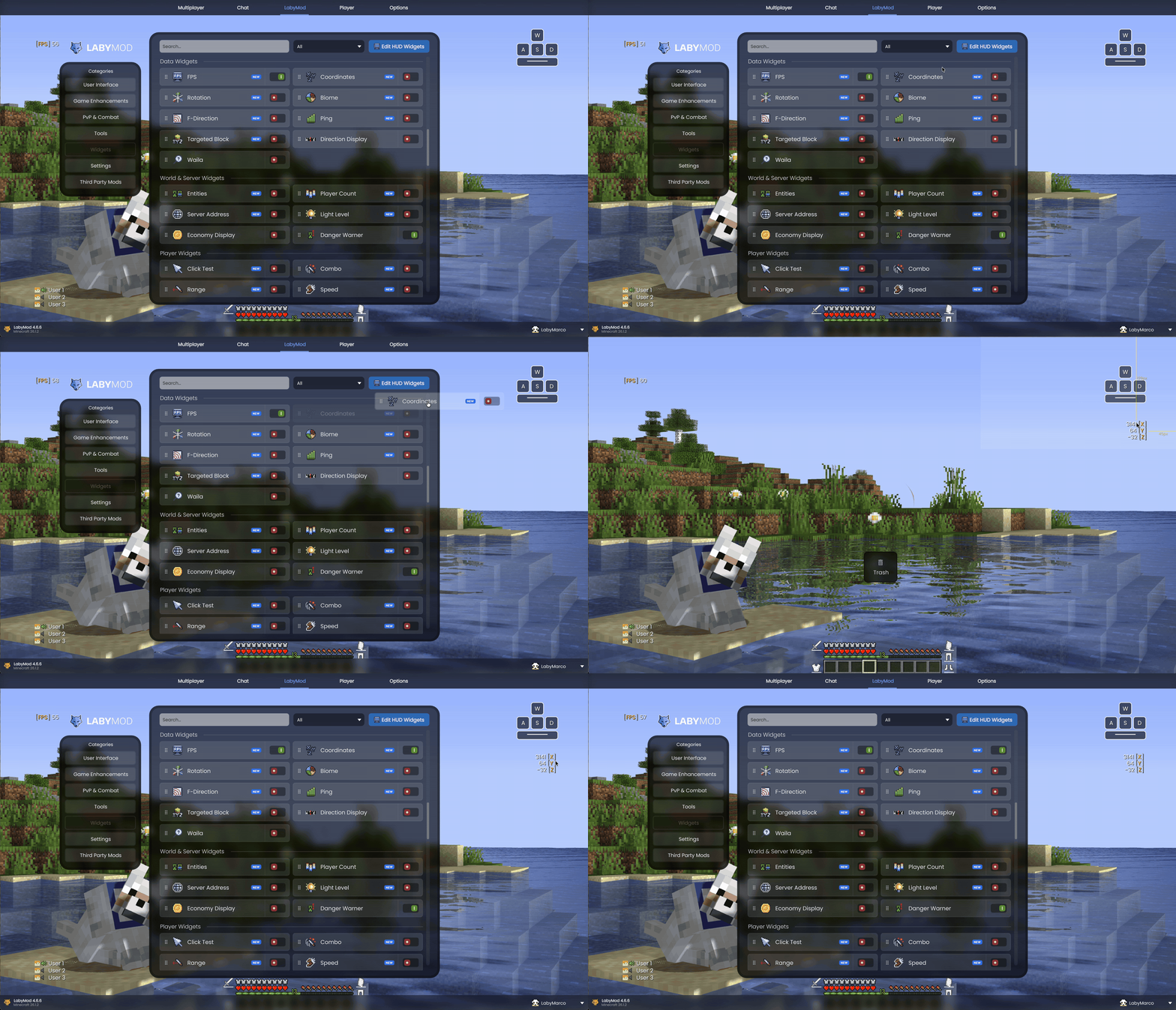
Placing widgets is now very simple: drag a widget directly out of its settings panel and drop it anywhere on your HUD. This also works for addon widgets.
See Your Changes in Real Time
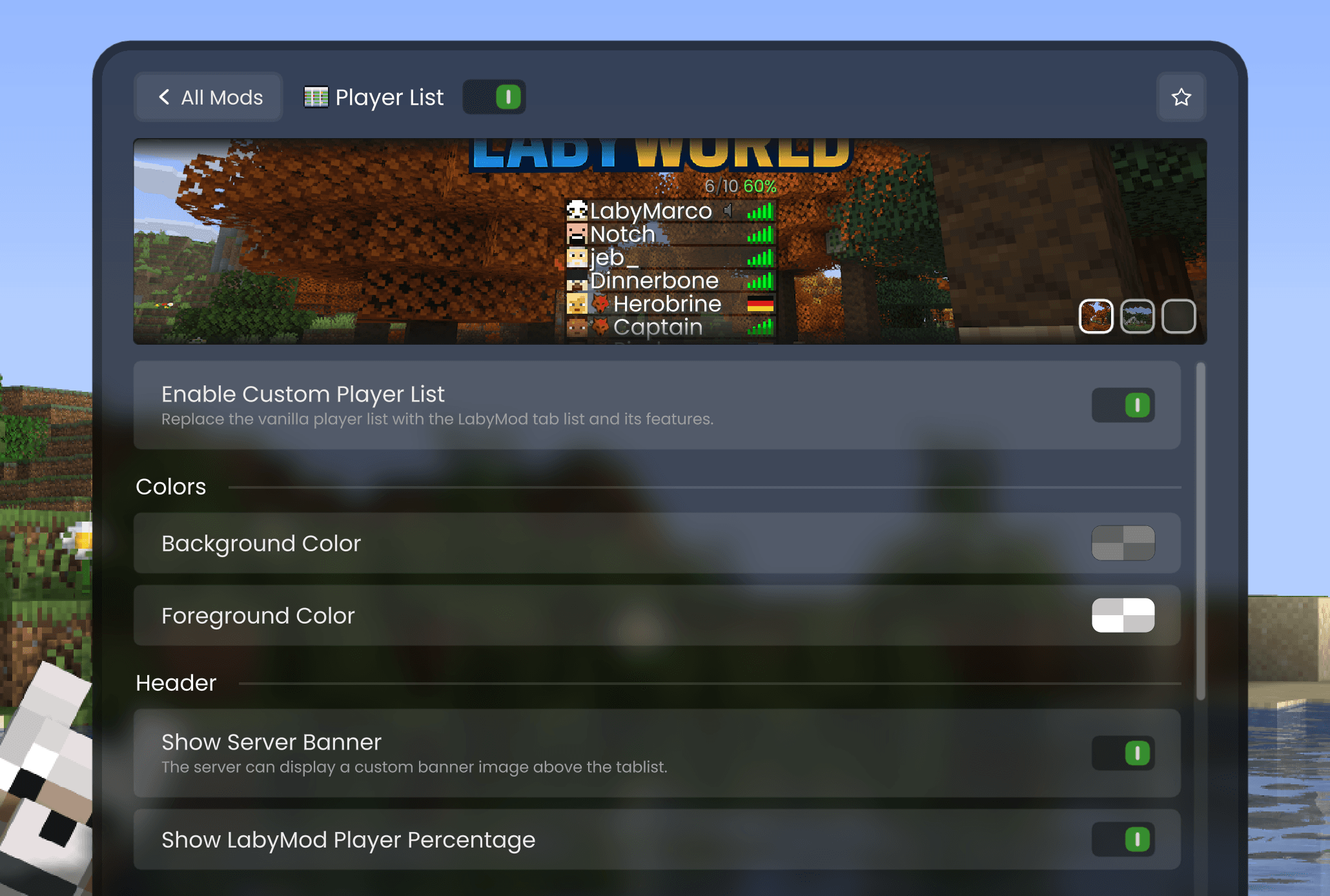
Some settings already have live previews, and more will follow soon. Every change takes effect immediately, and the preview shows you in real time how it looks. All widgets come with live previews right from the start: every widget shows a preview directly inside its settings panel that updates live while you change colors and values. You can even place a game scene behind the preview to see how the widget will look in the real game.
A Search That Finds Everything
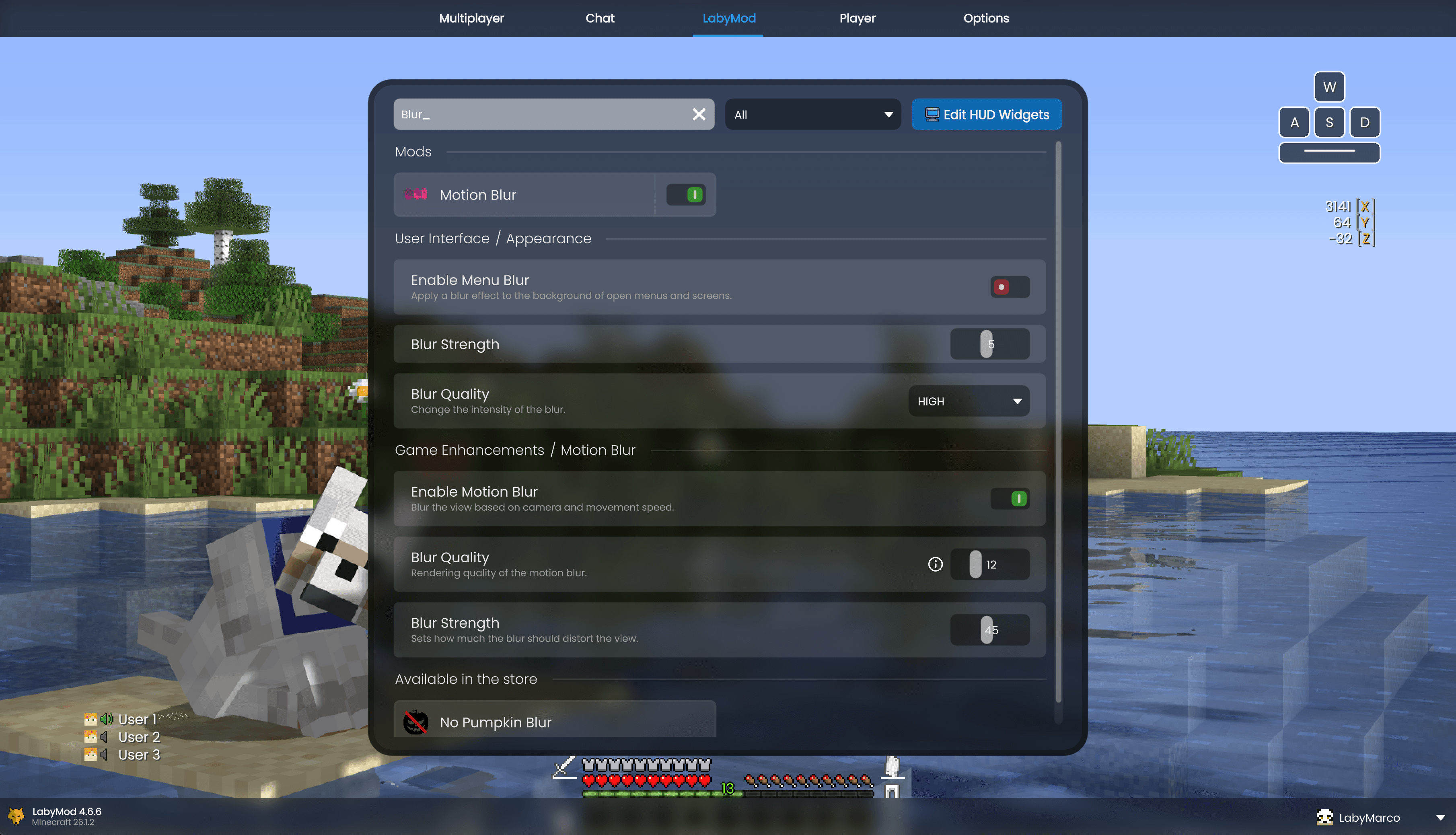
Start typing and you get results from all settings, mods, addons, and widgets, even if they are hidden deep in a submenu. One click brings you directly to the right place.
Mark Your Favorites
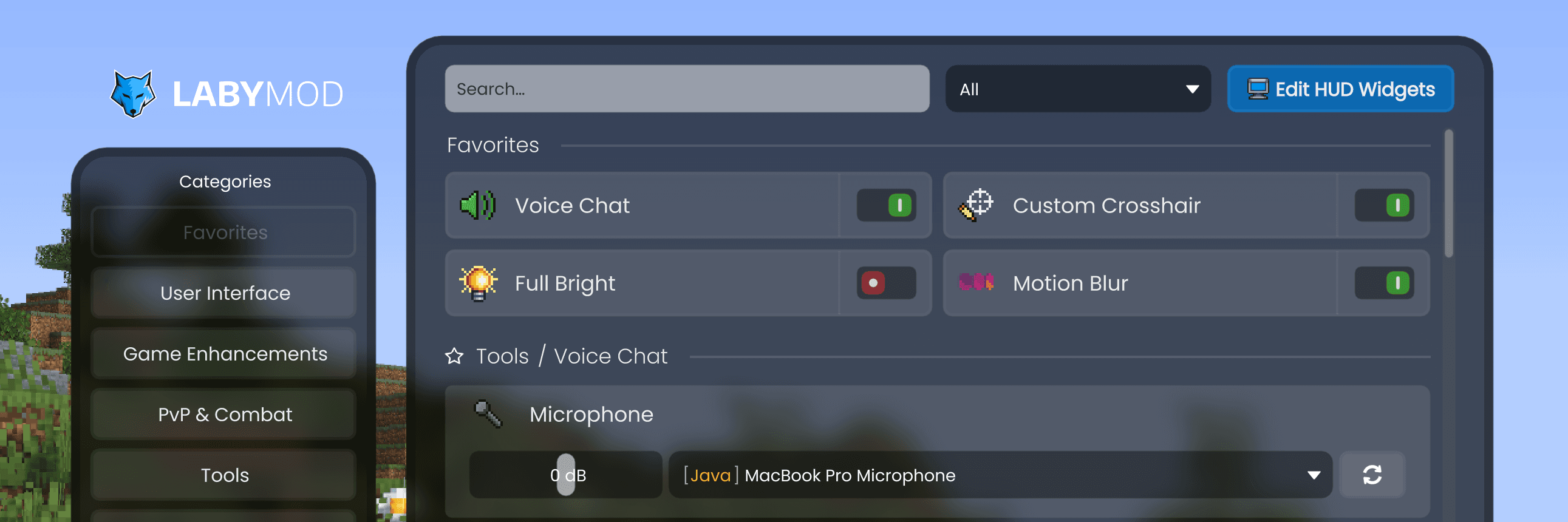
Everyone uses LabyMod differently. That's why you can now mark your favorites: both complete features and even single settings inside a feature. Your favorites always appear at the top of the list in the LabyMod tab. This way, the options you use most are always just one click away.
Goodbye Global Widget Settings, Hello "Apply to All"
We also changed how you style your widgets. In the past, there were global widget settings that controlled all widgets at once. These global settings are gone now, and we replaced them with something much more flexible.
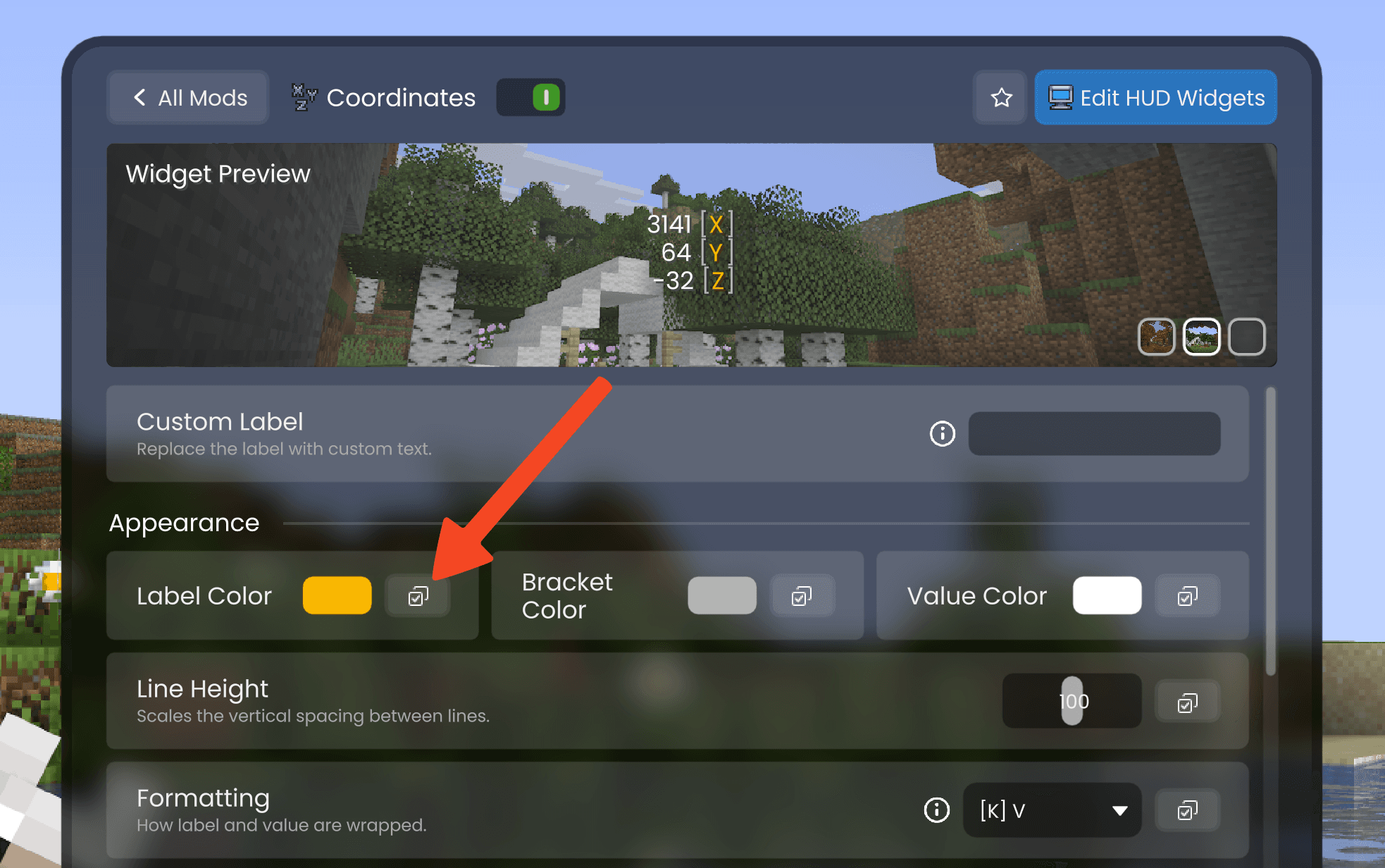
It works like this: you simply configure one widget exactly the way you want it. When you are happy with the result, you can use the new "Apply to all" button to transfer individual colors and values to all your other widgets. So instead of one global setting for everything, you decide for each option if you want to apply it everywhere or keep it different per widget.
This gives you the best of both worlds: a consistent look across all widgets when you want it, and full control over every single widget when you need it.
Many Small Improvements
A big update is more than just its main features. Here are more improvements that come with 4.6:
- The NEW badge is smarter now. When something new appears inside a mod or category, the parent category also gets the badge. This way, you can easily find all new things after an update.
- A fresh look for the Fancy theme: a new font, custom background colors, better scrollbars, and many design improvements.
- Smoother animations and subtle click sounds in the whole menu.
- A new Minecraft Fixes section that collects our quality-of-life fixes for the base game in one place.
New Features
The Settings Update also brings some completely new features:
- Mob Size mod: change the size of yourself, other players, and mobs individually.
- New Health widget for your HUD.
- Switch between the old and new font at any time.
- Better performance for rounded rectangle rendering, schematic particles, and LSS styling.
- The shop button moved to the player profile header.
- Easy-to-understand error messages: if the game window cannot open, a native error dialog now explains the driver problem in simple words.
- The LabyMod logo in the inventory and the Settings Menu is now shown in higher quality.
Bugfixes & Stability
As always, 4.6 also brings many bugfixes and performance improvements. We fixed several crashes and rendering problems, especially with the Vulkan backend and in combination with other mods like Sodium. We also solved many smaller UI issues and made the whole client more stable. You can find the complete list of fixes in the full changelog.
Get the Update
LabyMod 4.6 is available now. Simply start your launcher and it updates automatically. Don't have LabyMod yet? Download it here and jump right in. Open the new Settings Menu, try the drag and drop for widgets, and tell us what you think!
Did you find a bug or do you have an idea? Visit our feedback platform. Many fixes and features in this update came directly from your reports.