
Your next Minecraft Client
190+ mods. One client. Everything Minecraft can be. Free for everyone.
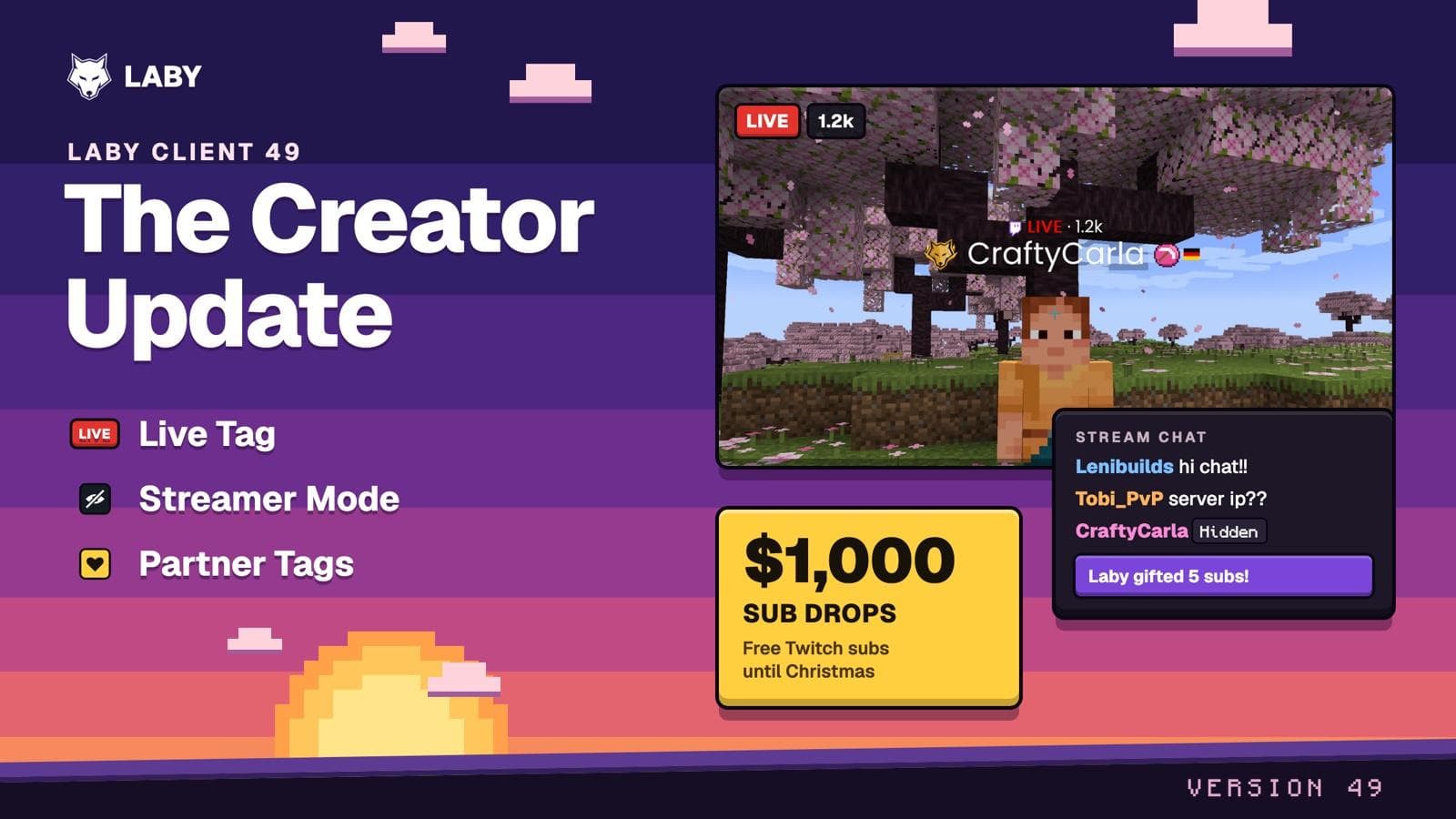
The Creator Update - Live tags, Streamer Mode, partner tags and $1,000 for streamers
A LIVE tag above streamers, a Streamer Mode that turns on with OBS, partner tags for creators and $1,000 in Twitch subs until Christmas.


One Client.
Everything included.
Over 190 mods packed into one client with its own launcher. Install it, launch it, play. It's that simple.
Mods
Users
Minecraft Versions

Laby Chat Zoom Classic PvP World Sharing Emotes & Sprays Screenshots & Clips Performance & Dynamic FPS Camera & FOV AFK Camera Wardrobe & Cosmetics Name Tags & Players Themes & Interface Tools Streaming Atmosphere Mods overview
Your friends.
On every device, on every server.
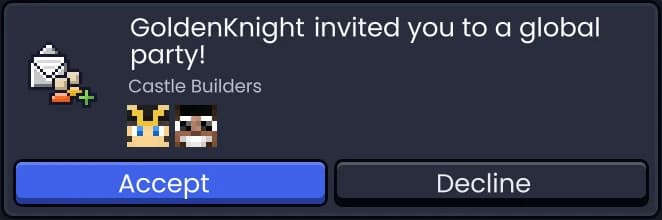
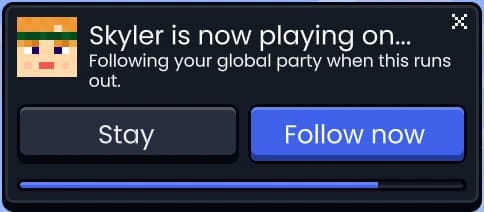
Chat with your friends from the game, the launcher, the app or the browser. In game, start a global party and it follows you from server to server.
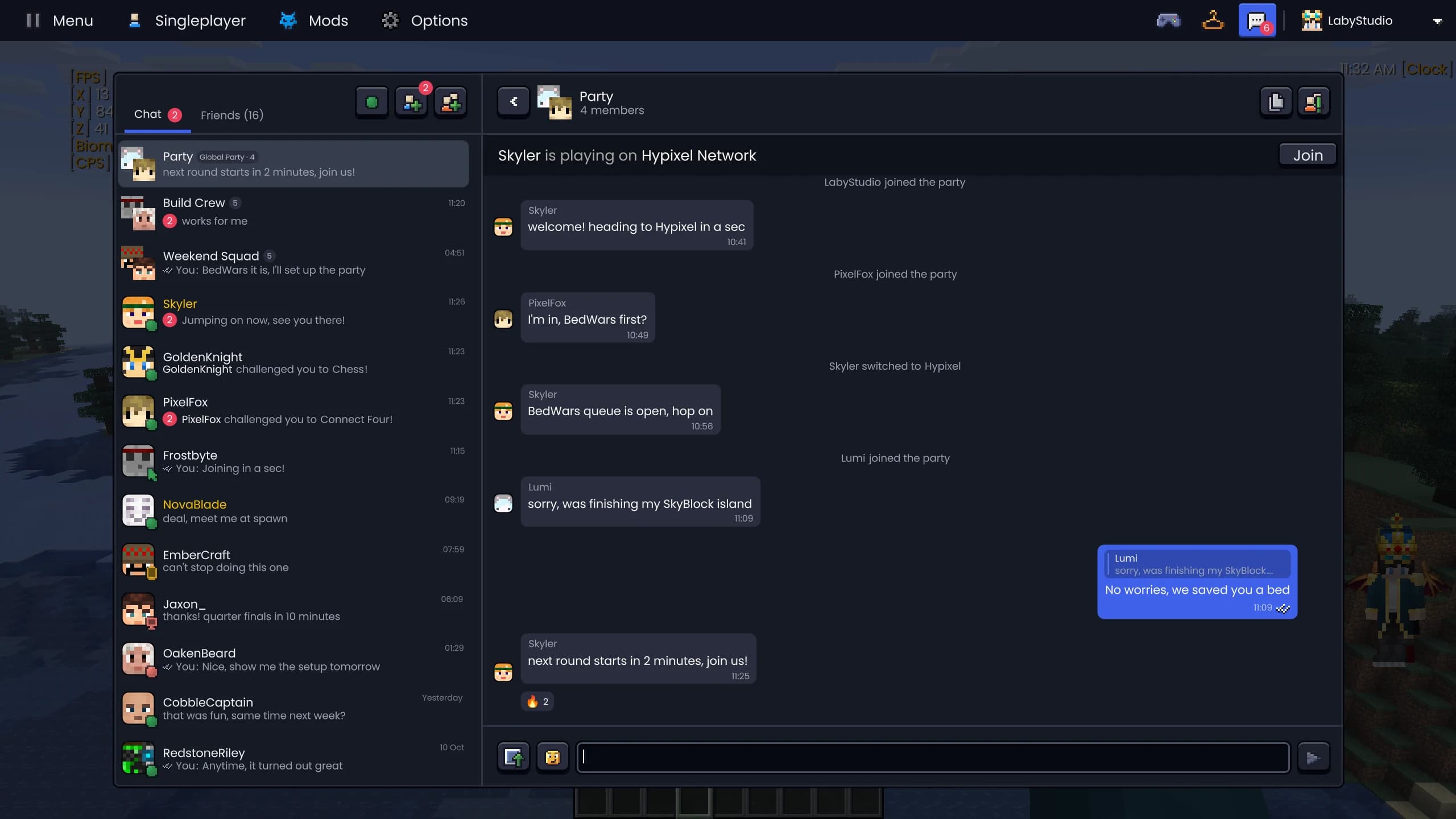
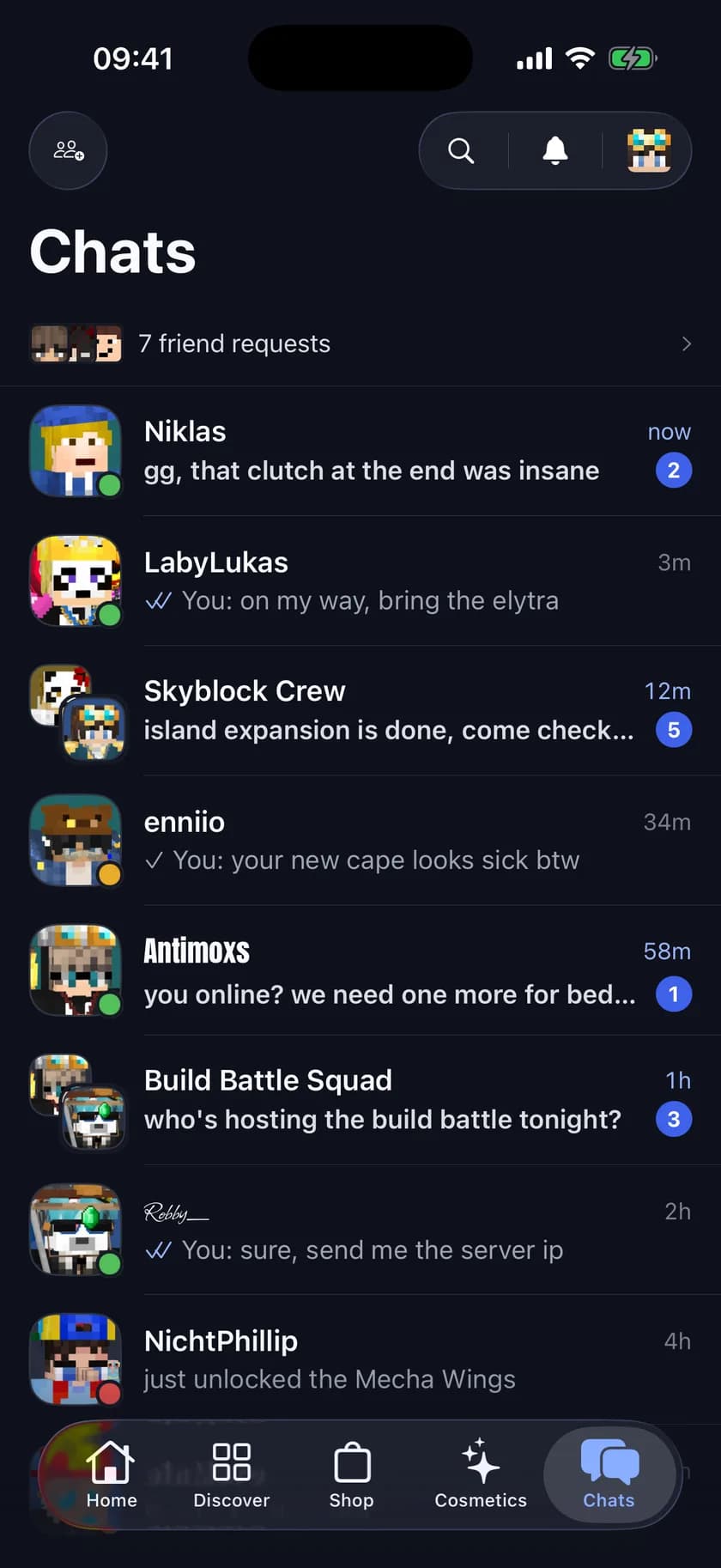
- Group chats
- Reactions & replies
- GIFs
- Images & screenshots
- Read receipts
- Server & world invites
- Global parties
- Minigames & duels

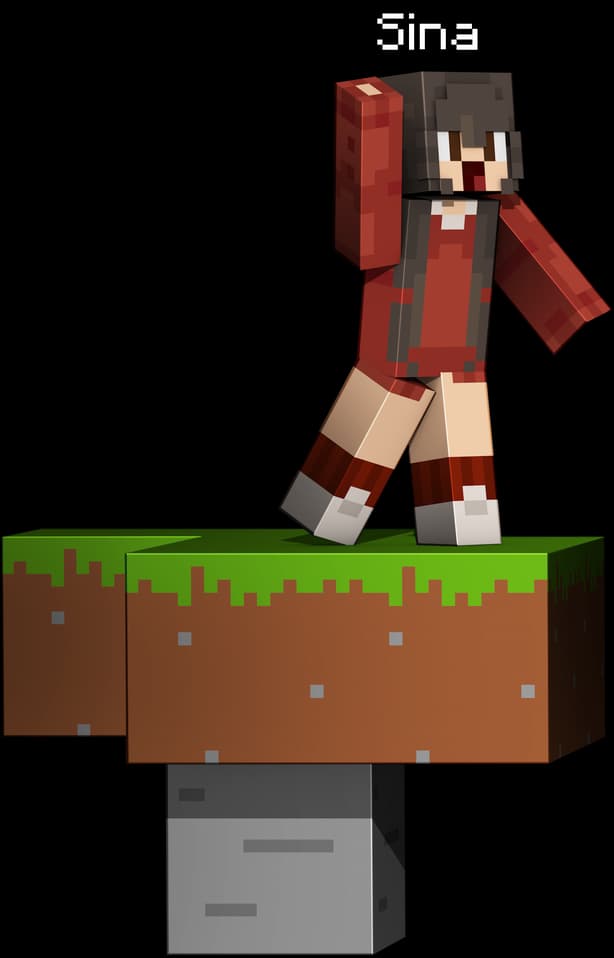
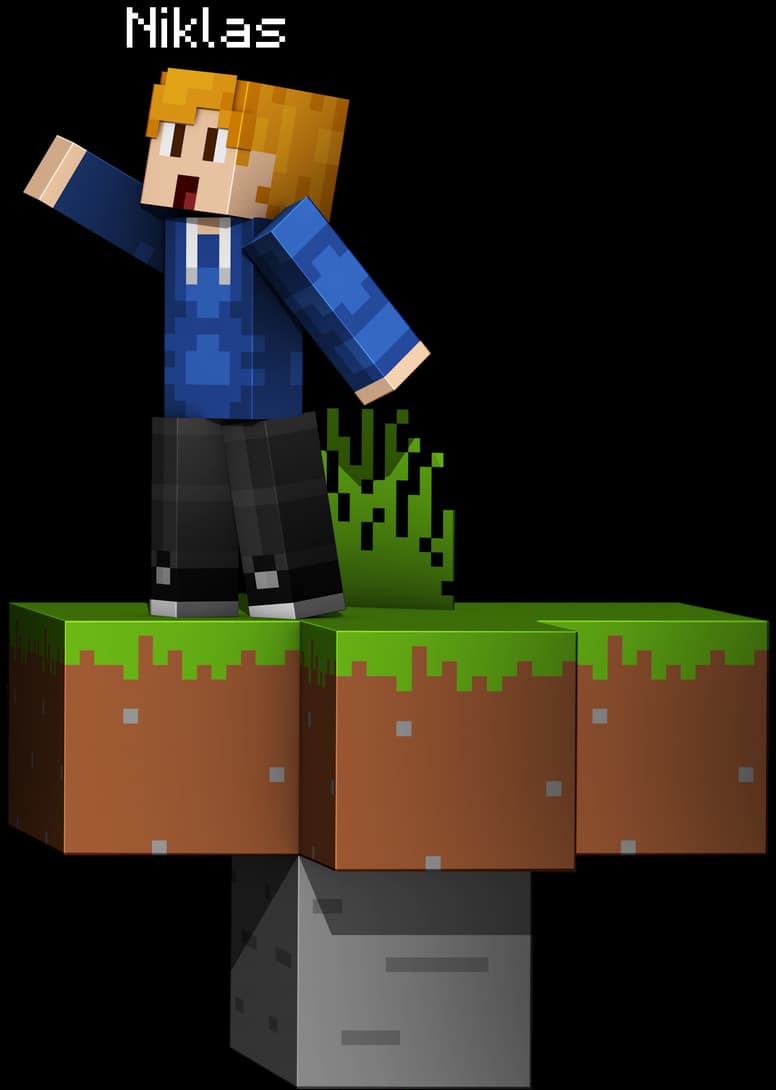
Proximity Voice Chat.
On every server.
Communicate with other players in real time. Proximity Voice makes it possible: the closer you get to a player, the louder you hear them. You can even tell which direction their voice is coming from.
No server plugins needed.Server runs Simple Voice Chat? You can talk there through ours as well.
Proximity Audio
Realistic positional audio
Push-to-Talk
Or voice activation
Voice Channels
Talk privately with friends
Simple Voice Chat
Join in on servers that use it
Play with friends.
No server needed.
Invite your friends directly into your singleplayer world.
No server, no port forwarding, and your IP stays hidden.
Share your singleplayer world directly with friends. No server, no setup, and your IP stays hidden.
Waiting in the lobby?
Play right in the client.
Twelve games made from Minecraft blocks: six to play on your own, six to challenge a friend to.
Challenge a friend straight from the chat, or practise against the bot.
The Laby Launcher.
More than a play button.
Mods, modpacks, clips, servers, skins and your friends, all in one place before the game even starts.

Pick a version and press Play. Easy mode keeps it to one button, instances give you full control.
- Laby Client, Fabric, Forge, NeoForge & Quilt
- Modrinth, CurseForge & FTB in one search
- Minimap & widgets on a second screen
- Instant replay & clip editor built in
- Chat with your Laby friends
- Find servers & join in one click
- Switch from Lunar, CurseForge & 4 more
Server list? Revolutionized.
Forget pixelated icons and boring lists. Experience your servers with HD graphics, live data and smart features.
HD Server Icons & Backgrounds
High-resolution graphics instead of pixelated 64x64 icons. Every server with its own background image.
Quick Join
Jump directly into game modes like BedWars, SkyWars or SkyBlock with one click.
Drag & Drop Organisation
Drag servers onto each other to create folders. Organize everything to your liking.
Live Player Counts
Real-time updates always show you current player counts and server status.
Loading features...
Everything you need to know about Minecraft clients
A Minecraft client is the program you actually play the game with. A modded client replaces the default one with a version that has the useful tools built in.
Vanilla Minecraft ships with a bare-bones client. No keystroke overlay, no CPS counter, no armour and durability HUD, and your FPS and coordinates are buried in the debug screen. Laby Client adds all of that as a HUD you can arrange yourself, plus its own launcher, a cosmetics system and voice chat.
Laby Client, formerly known as LabyMod, is a free Minecraft client for the Java Edition. It bundles over 190 mods into a single installation, runs on Windows, macOS and Linux, and supports more than 20 Minecraft versions from 1.8.9 up to the latest release. There is nothing to set up before your first launch. Install it, pick a version, play.
Free forever
The client and launcher cost nothing
20+ versions
From 1.8.9 to the latest release
3 platforms
Windows, macOS and Linux
Frequently asked questions
The questions we get asked most about Laby Client and about Minecraft clients in general.
What is a Minecraft client?
It is the software that runs the game on your computer and talks to the server you play on. A modded client has quality-of-life features built in that vanilla Minecraft lacks: an FPS display, a coordinates HUD, keystrokes, better chat and a customisable interface. You still need the game and an account. A client changes how you play, not what you play.
Is Laby Client the same as LabyMod?
Yes. Laby Client is the new name of LabyMod. It is the same client from the same team, and your account, cosmetics, friends and settings carry over unchanged. The old version numbers are gone along with the name: instead of LabyMod 4.x, Laby Client simply gets regular updates, all of them listed in the changelog.
Is Laby Client free?
Yes. Laby Client and the Laby Launcher cost nothing, and every mod, the voice chat, the server list and the launcher are included. Development is funded through optional purchases in the shop: cosmetics, and Laby+, a one-time premium membership with no subscription or auto-renewal. Neither is needed to use the client.
How do I install Laby Client?
Download the installer for Windows, macOS or Linux from this page and run it. It sets up the Laby Launcher, a standalone program you start Minecraft from instead of the official launcher. Pick a version there and you are in the game. If you get stuck, our support pages cover the usual cases.
Which Minecraft versions are supported?
More than 20 versions of Minecraft Java Edition, from the classic PvP version 1.8.9 through to the current release. You switch between them in the launcher without reinstalling, and each version keeps its own mods and settings. New Minecraft releases are usually supported within days, and every update is listed in the changelog.
Do I need a paid Minecraft account?
Yes. Laby Client requires a genuine Minecraft Java Edition account from Microsoft. It is not a cracked client and cannot be used to play without owning the game.
Is Laby Client a hacked client?
No. There are no cheats in Laby Client: no killaura, no X-ray, no reach. It is built to be allowed on servers, which is why large networks support it directly and can identify it as a legitimate client. Every feature is one you could use in a ranked game without gaining an unfair advantage.
Can other players see my IP when I share my world?
No. With World Sharing, everyone joins your singleplayer world through a Laby relay instead of connecting to your PC, so players only ever see the relay's address. Your IP, and with it your rough location, stays private, and you do not see theirs either.
Does it work on mobile or Bedrock Edition?
Laby Client is built for Minecraft Java Edition on desktop. There is no official Android, iOS or Bedrock version of the client itself. There is a Laby mobile app, though: it lets you customise your cosmetics, collect daily rewards and spend LabyCoins in the shop from your phone.
Can I use Forge, Fabric and OptiFine mods?
Yes. The Laby Launcher starts Laby Client, vanilla Minecraft, Forge and Fabric from one place, and you can browse and install mods from CurseForge and Modrinth inside it. You can also build your own modpacks and import instances from other launchers with a single click.
Will Laby Client improve my FPS?
For most players, yes. Performance mods and rendering optimisations are enabled by default, and on older hardware the difference over vanilla is usually noticeable. How much you gain depends on your machine, your Minecraft version and your video settings. It is an optimisation, not a guarantee.
What are cosmetics, capes and skins?
Cosmetics are visual items your character wears in-game: cloaks, bandanas, hats, wings and emotes, visible to everyone else running Laby Client. Skins are separate from that. We host a large library of Minecraft skins and capes that you can browse on laby.net and apply directly in the launcher or in the client.
Join the Community
Download Laby Client for free and experience Minecraft like never before.