Minecraft wallpapers with you in them
Enter your Minecraft name and your skin steps into every scene. For iPhone, Android, iPad, 4K and ultrawide screens, plus dynamic Mac wallpapers that change with the time of day.
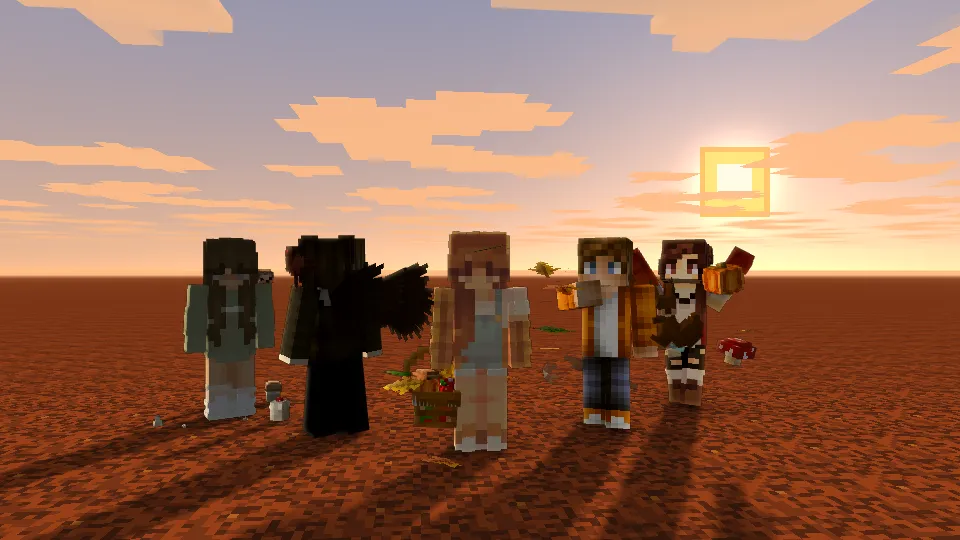

Autumn 2026
The autumn crew in the new season cosmetics, golden hours, falling leaves and a harvest moon.
LabySky
The pixel sky of Laby Client: hard blue bands, square clouds, a sun you could mine.
Overworld
Green plains, snowfields, deserts and the Nether, rendered in 3D.
Just you
Studio portraits with your skin front and center.
Dynamic wallpapers that follow the sun
Like the ones Apple ships: sunrise in the morning, golden hour in the evening, stars at night. With your skin in it if you like, at your Mac's exact resolution.
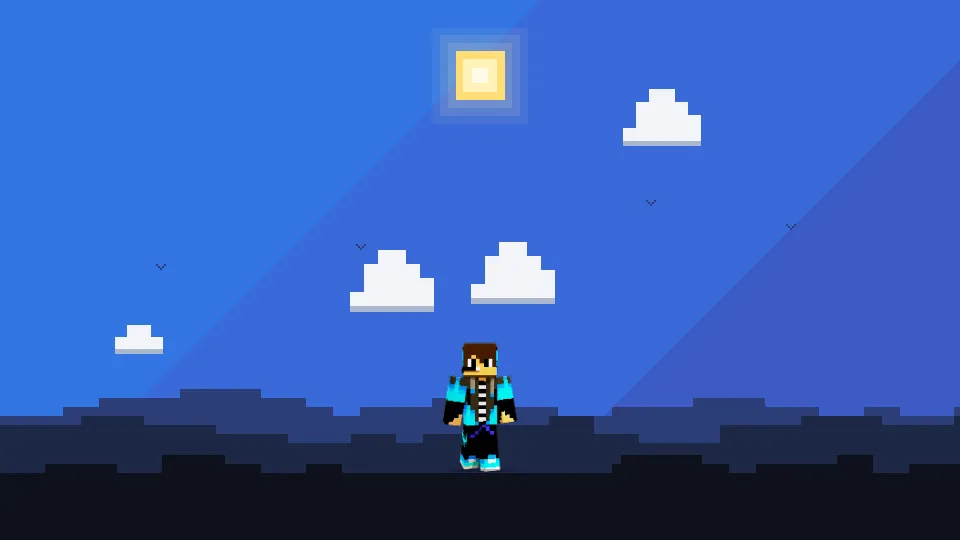
Enter your name at the top to stand in it yourself.
1. Build it
Pick a sky and hit Build. Your browser renders sixteen pictures from midnight to midnight and packs them into one .heic file.
2. Set it
Move the file to your Pictures folder, right-click it in Finder and choose Set Desktop Picture.
3. Pick Dynamic
In System Settings › Wallpaper, choose Dynamic in the menu next to the preview. From now on the sky follows your Mac's clock.
Questions
Are the wallpapers free?
Yes. Every wallpaper is free to download for your own phone, tablet and computer, without an account.
How do I get my Minecraft skin into a wallpaper?
Type your Minecraft name into the field at the top. Your skin, your cape and the Laby cosmetics you wear go into every scene. Add up to three friends and you stand there together.
Which size does my screen need?
Pick your device above the gallery and the right size is chosen for you, down to the exact pixels of iPhones, iPads, MacBooks and 4K, 5K and ultrawide monitors. The download dialog also lists the size of the screen you are on right now.
How do dynamic Mac wallpapers work?
A dynamic wallpaper is one .heic file with sixteen pictures of the same scene through a day. macOS shows the picture that fits the time on your Mac's clock, from sunrise to a starry night.
Do the wallpapers work on Windows, Android and Linux?
Yes, every wallpaper downloads as a PNG that works on any system. Only the dynamic version that changes with the time of day is made for macOS.