The Performance Update30% more FPS, sharing in Laby Chat and two new minigames
New in Laby Client: 30% more FPS on average across all players, your setup shared as cards in Laby Chat, Parkour Jump and Minesweeper.
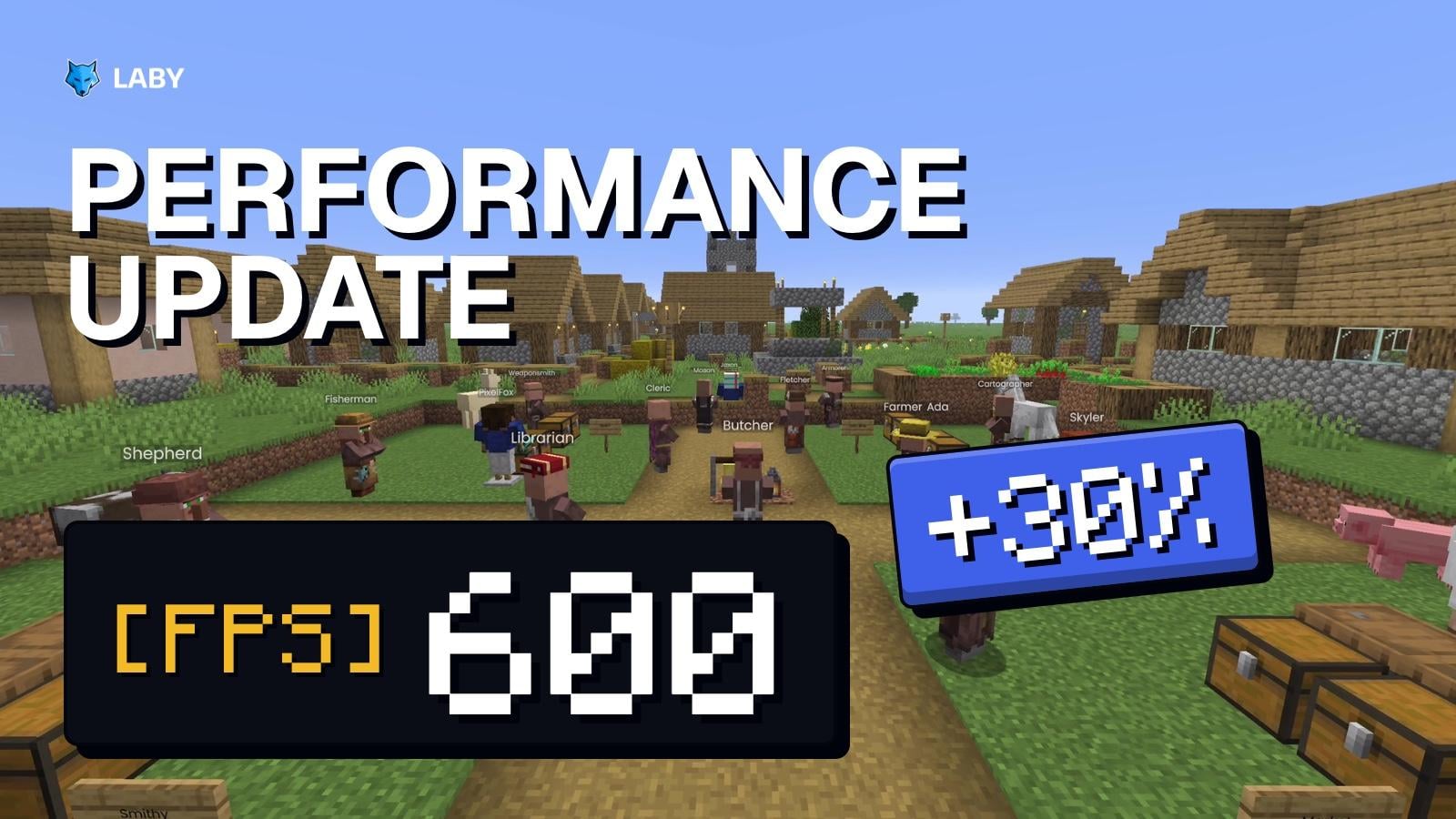
The new Laby Client update is out, and this time it is all about speed. Across all our players, frame rates are 30% higher on average, and you don't have to change a single setting for it. A whole set of new optimizations works quietly in the background, so your game runs smoother wherever you play. On top of that, you can now send your setup to friends in Laby Chat, and the Minigames tab got two new games.
30% more FPS, out of the box
Five of the new optimizations, all on from the start
We went through how Laby Client draws your game, piece by piece. Instead of one big switch, many small optimizations now work together, and each one takes away work your game never needed to do. Across all players, that adds up to 30% more frames per second on average. You get a smoother picture, especially when a lot is happening on screen.
Here is what is working for you behind the scenes:
- Entity Culling: mobs, players and blocks like chests and signs that are hidden behind solid blocks are no longer drawn. It helps most in busy areas. If you switch it on, it can also skip the names of armor stands and, in Minecraft 1.19.4 and newer, text, block and item displays
- Faster Entities & Name Tags: players, mobs, their name tags and the text Laby Client shows above them take less work to draw
- Faster Menus & HUD: in Minecraft 1.21.8 and newer, menus and your HUD are only redrawn when they change or your monitor shows a new picture. With Menu & HUD Updates you decide how often per second
- Lighter Frames: in Minecraft 26.3 and newer, the game stops repeating work on every frame that it doesn't need to
- Faster Clouds: in Minecraft 1.8.9 and 1.12.2 without OptiFine, fancy clouds look exactly the same but are no longer rebuilt every frame
And it doesn't stop there. Minecraft 26.3 and 26.4 render the world faster, Minecraft 1.8.9 and 1.12.2 run smoother, and Laby Client itself starts faster.
Every one of these optimizations is on from the start. If something ever looks wrong, you can switch each one off on its own in the Mods menu under Performance.
Share your setup in Laby Chat
Found the perfect HUD layout? Send it to a friend. Outfits, skins, chat tabs, AutoTexts, your custom cursor, your HUD layout and settings like hit markers or theme colors now travel as cards in Laby Chat.
A HUD layout sent in Laby Chat, previewed and applied by a friend
- Share from the chat: start a share with the button in the chat composer
- Or right where you set it up: the widget editor sends your HUD layout, and the rows in the Mods menu send their settings
- See it before you apply it: your friend sees what a card changes before taking it over
- Changed your mind? Skins, HUD layouts and settings can be undone afterwards
Two new minigames
The Minigames tab got two new games for the moments in between.
Parkour Jump from the morning meadow up into space, then a round of Minesweeper
In Parkour Jump you climb from block to block all the way to the End, while the sky turns from morning to night to space. You run in your own skin, earn advancement toasts at height milestones and might stumble over a few easter eggs on the way up.
In Minesweeper you dig up the meadow and flag the TNT. Each level keeps its own best time, so there is always a record to beat.
More in this update
- Viewer counts on LIVE tags: Show Live Streams has two new modes. Hide Own Viewer Count keeps your own viewer count off your screen, and Hide All Viewer Counts shows LIVE alone above everyone
- Flux addon retired: performance now lives entirely in the core of Laby Client, so the Flux addon is no longer needed. It no longer loads and is gone from the addon store
- 11 bug fixes, from clicks in Minecraft 26.4 menus landing one row too low to resource packs for Minecraft 1.12.2 being marked as incompatible
You can find the full list in the changelog.
Get the update
The update is available now. Start the Laby Launcher and it updates the client automatically. Don't have it yet? Download Laby Client here and jump right in.
Found a bug or have an idea? Tell us on our feedback platform. Many of the changes in our updates started there.
Trefwoorden
Read next
 Laby
The Creator Update - Live tags, Streamer Mode, partner tags and $1,000 for streamers
A LIVE tag above streamers, a Streamer Mode that turns on with OBS, partner tags for creators and $1,000 in Twitch subs until Christmas.
 Laby
A smarter player list, the AFK Camera and chat tabs in a few clicks
New in Laby Client: a player list with Interactive Mode, the AFK Camera, a chat tab wizard, your own font everywhere and new windows for Vanilla.
 Laby
Ghost Hunt on Laby World: catch 160 ghosts until November 1
160 ghosts have infiltrated Laby World. Catch them with the Ghost Vacuum until November 1 and unlock loot boxes and three Halloween cosmetics.
Comments (0)