LabyMod is now Laby Clienta new name and a new look
LabyMod is now Laby Client: a new Laby theme, the Laby Commander, a new chat with parties and minigames, and new mods for PvP, your inventory and visuals.
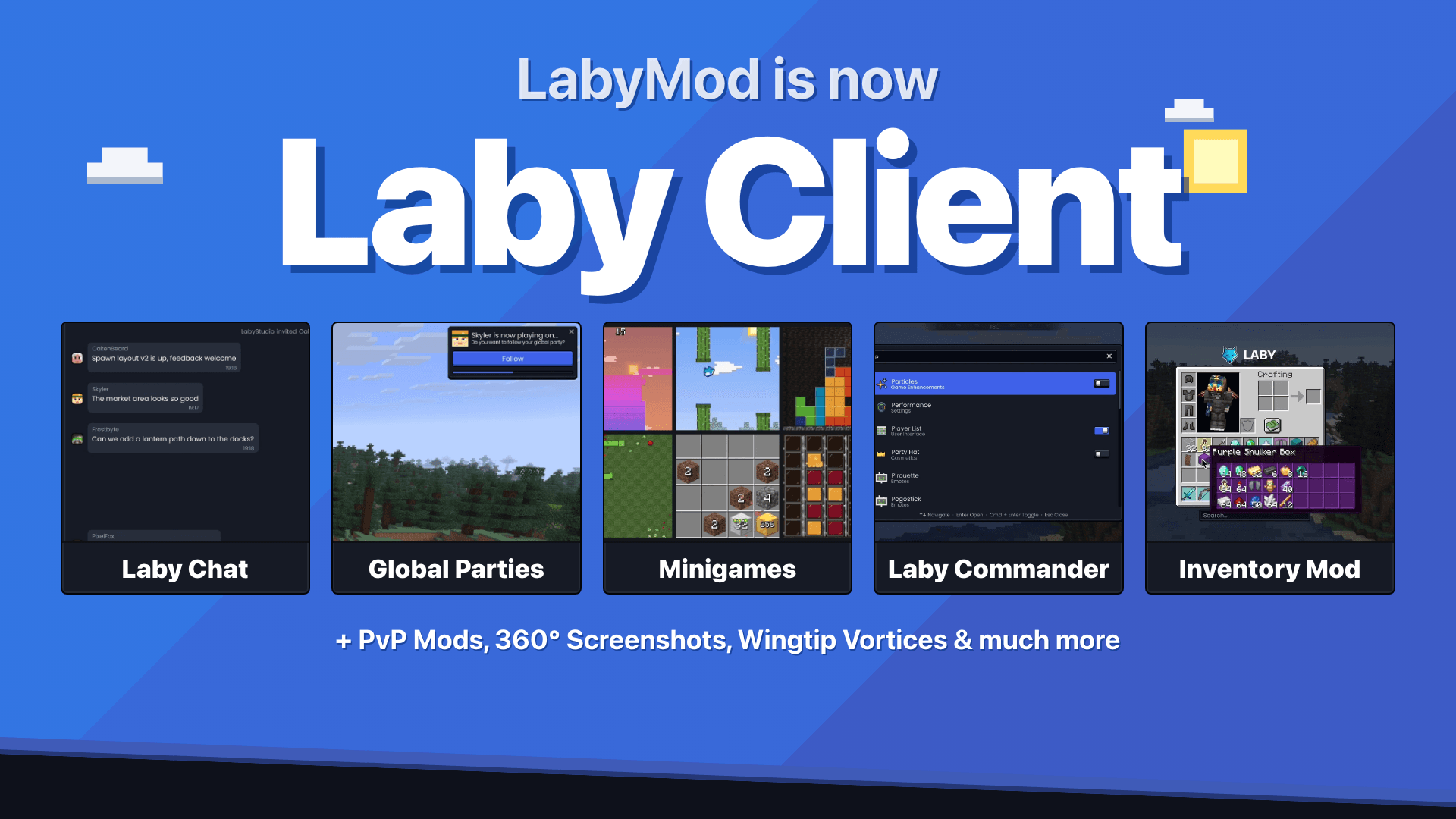
LabyMod is now Laby Client. The client stays the same, and so do your account, your cosmetics and your friends. Only the name is new, and it finally matches the rest of the family: laby.net, the Laby Launcher and the Laby app.
The new name comes with the biggest visual update the client has had in a long time, and with a few features we have been looking forward to showing you.
Why Laby Client
Over the years, LabyMod grew into much more than a mod: a complete Minecraft client with over 300 mods, its own chat, cosmetics and minigames. "Mod" stopped describing it a long time ago. Laby Client says what it is, and it fits right in with laby.net, the Laby Launcher and the Laby app.
For you, nothing else changes. Your Laby account, your cosmetics, your emotes and your friends list stay exactly where they are, and the client updates through the launcher as always. In the menu, the entry that used to be called "LabyMod" is now simply called Mods.
The new Laby theme
A few weeks ago laby.net got its new design language. It was always meant for more than the website: the Laby Launcher and the Laby app already use it, and with this update it comes to the client.
The new Laby theme brings the buttons, slots, fields and colors you know from the website, the launcher and the app into the game. Whether you are browsing the shop on laby.net, starting the game in the launcher or changing a setting in-game, it looks and feels like one product. You recognize Laby at first glance, wherever you are.
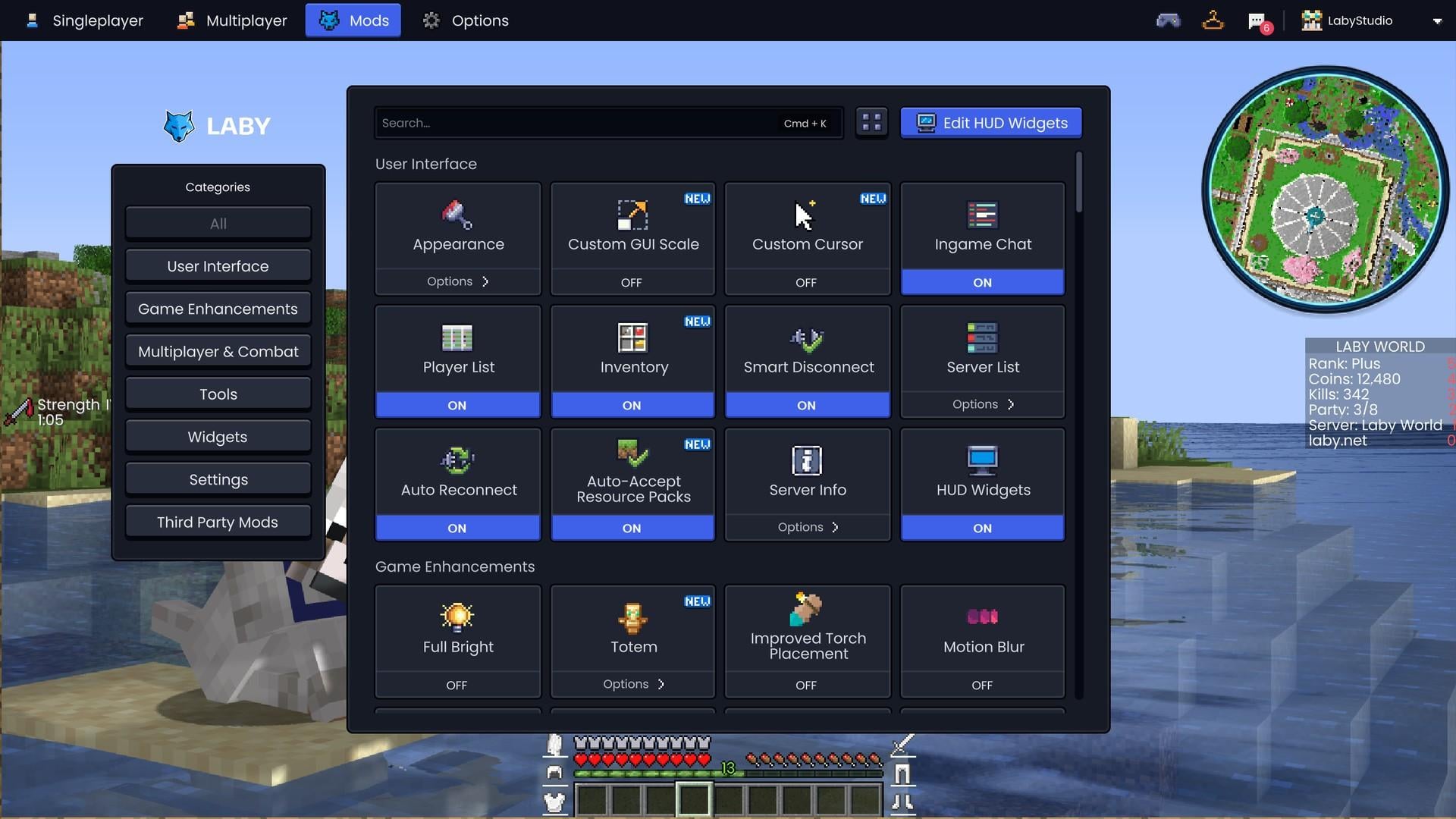
We also used the chance to go through every menu once more. Spacing, alignment, animations: everything was polished until it felt smooth and clean, so the menus stay out of your way and you are back in the game faster.
Want even more of a Minecraft look? Switch on Pixel Style for the Laby theme. And if you prefer what you had before: the Fancy theme is still there under its new name Glass, and so is Vanilla.
Laby Commander
Press Ctrl+K (on a Mac Cmd+K) and the Laby Commander opens. It looks like a search bar, but it is a lot more than that: you type what you want, and it happens.
Switch a mod, find a setting, start a game and do the math, all in the Laby Commander
- Turn cosmetics on and off, and play your emotes
- Find any setting, feature or server, and look up players
- Do a quick calculation, for example how many blocks your next build needs
This is only the beginning. The Laby Commander is built to do much more, and new commands will follow in the next updates. Stay tuned.
A new chat with your friends
The LabyConnect chat was rebuilt from the ground up. It now looks and works the same in the client, the launcher, the app and on laby.net, and your conversations stay in sync everywhere. Start a chat on your phone and continue it in-game.
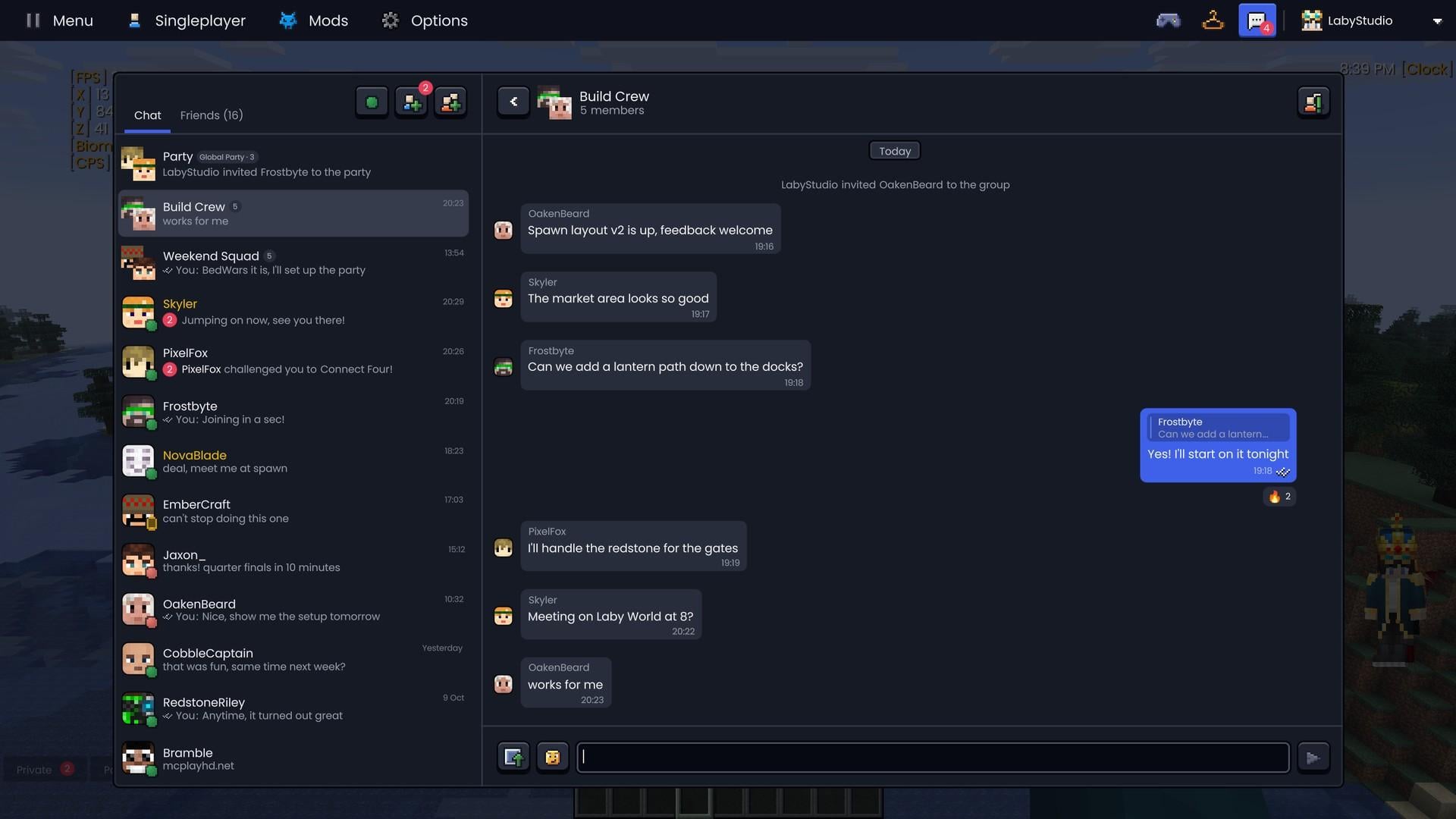
- Group chats with your friends, with their own member management
- Replies, emoji reactions and your emotes as animated stickers, and GIFs play right in the chat
- A typing indicator and read states for every message
- You see whether a friend is in the client, the launcher, the app or on the web
- Pin your favorite friends to the top, and from a chat join your friend's server, invite them or challenge them to a game
Global Parties: your friends come along
Playing with friends used to mean pasting IPs into the chat, inviting everyone into a party one by one on every server, waiting until they have all accepted, and starting over at the next server switch. Global Parties put an end to that. A party keeps your group together wherever you go. When the host switches servers, the whole party comes along, and on the new server everyone is automatically back in the party.
It even works in the host's singleplayer world. Parties are connected to World Sharing: when the host plays in their own world, the party follows them straight in, without a server of their own and without port forwarding, and the host's IP stays protected.
- Invite with one click: invite friends right from Laby Chat. The invite shows up as a card in the chat, and Accept brings them in
- Or with a code: share the party code and your friends join with it
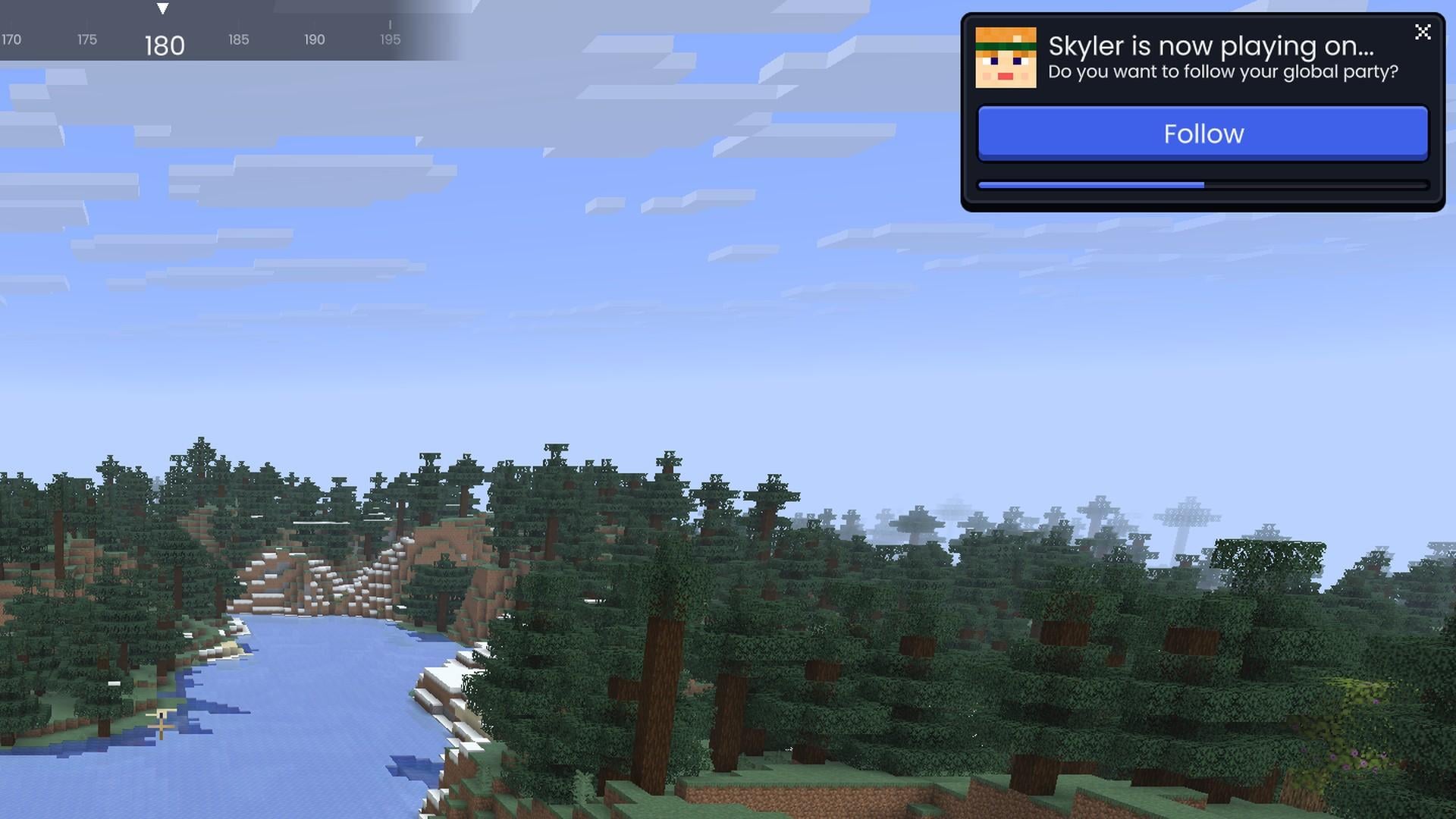
- Always know where the party is: the party has its own chat. At the top you see where the host is playing, and one click takes you there
- Follow automatically: when the host switches servers, the game shows you a short countdown and then you follow on your own. You can also come along right away or stay where you are
- Nobody gets lost: the chat tells everyone who joins, leaves or switches servers
Talking while you play? New: if a server offers Simple Voice Chat, Laby Voice Chat now lets you talk with the players there who use Simple Voice Chat too. Until now, that only worked between Laby players.
Minigames in the chat
And when you are waiting in a lobby, there is something to do now: the chat comes with minigames. Six games to play on your own and six duels against your friends, including Chess, Tetris and Battleship, all built from Minecraft textures.
Stack, Laby Bird, Tetris, Snake, 2048 and Connect Four, played in Laby Client
Search the chat
The Minecraft chat can be searched now too. Press Ctrl+F (Mac: Cmd+F) in the open chat and it only shows the messages that match. Enter and the arrow keys jump between the matches.
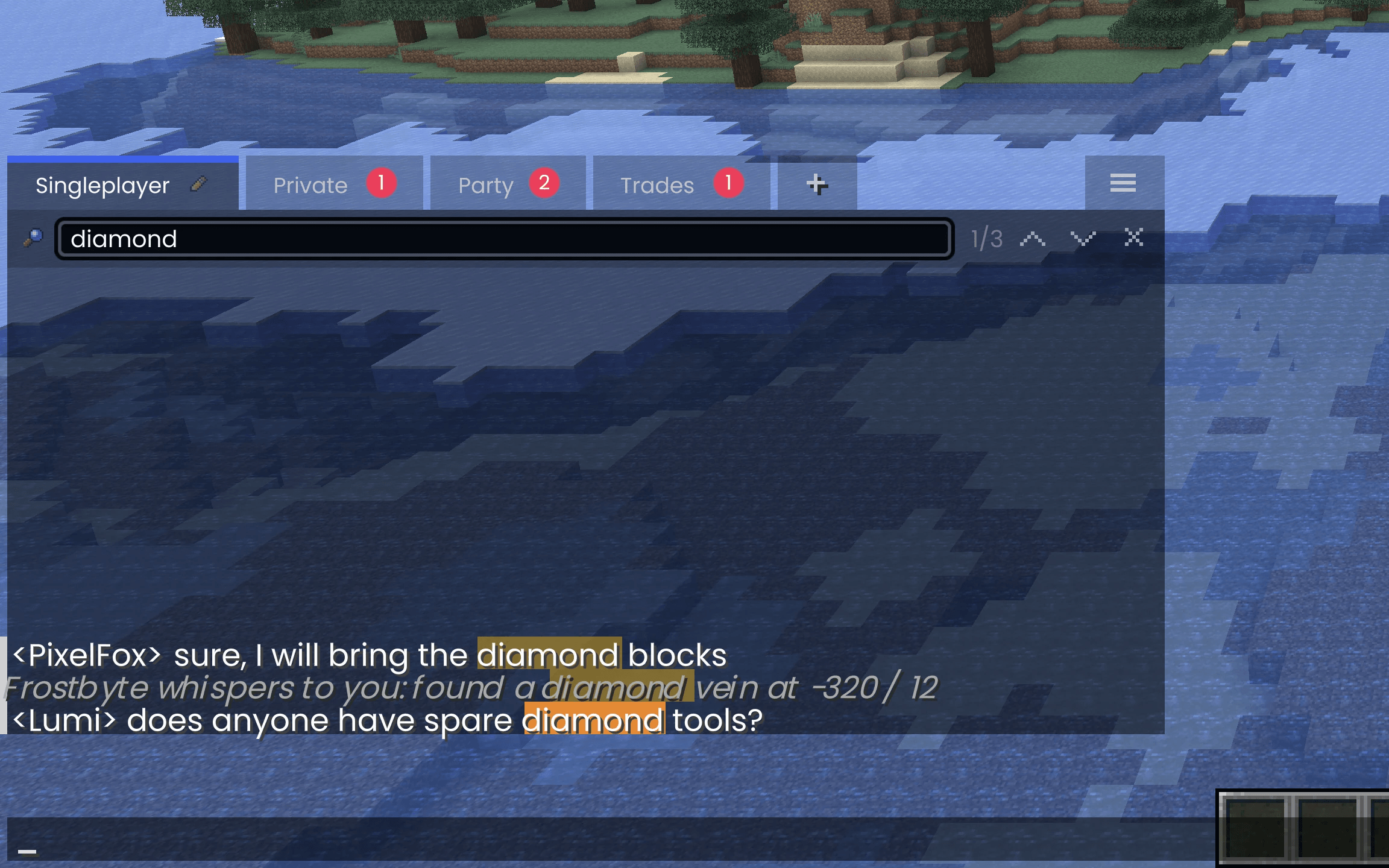
And for everyone who keeps typing the same command: Ctrl+R searches through the messages you sent yourself, like in a terminal. Press Ctrl+R again to go further back, Tab puts the message into the input field, and Enter sends it right away.
AutoText, Name History, Symbols & Emoji, chat tabs and filters were reworked as well and are much easier to set up now.
New mods for PvP, your inventory and visuals
- Inventory: the new Inventory mod bundles 20 features in one place, from Inventory Search and a preview of what is inside shulker boxes and ender chests to Inventory Locks, Hotbar Links and a Durability Warning
- PvP: Hit Markers, Kill Sounds, a Low Health Warning, a TNT Timer, shields with status colors and a pop counter for totems. Team Markers show your team through walls on servers that allow it
- HUD widgets: PvP Stats, Damage Direction, Totem Pops and a Stopwatch
- Visuals: move and resize your held items with Item Appearance, color your Enchantment Glint (chroma included), get a clearer view with less fire and fewer overlays, tune every particle type, and leave vapor trails behind your elytra with Wingtip Vortices
- Performance: Dynamic FPS lowers the frame rate, volume and graphics while the game is in the background, idle or on battery
Container Preview and Inventory Search in the new Inventory mod
Hit Markers, Damage Direction and the Low Health Warning
Wingtip Vortices: vapor trails behind your elytra
All of them live in the new mods overview, many with a live preview.
More in this update
- New mods overview: all mods and addons in one place, with several views and the Addon Store built in
- Panorama screenshots: a new hotkey takes a 360-degree screenshot you can look around in. Send it in Laby Chat and your friends can look around too
- Wardrobe: loot boxes have their own tab, and options that used to be on laby.net only, like your own images on cloaks and bandanas or names for your pets and Minime, are now right in the game
- Tidier skin menu: uploading a skin, your skin layers and your recently used skins each have their own section, and Minecraft capes are shown as a grid you put on with one click
- Your own cursor: draw your own mouse cursor in the new cursor editor
- Icon packs: pick a different icon set for the menus, like the new monochrome Modern pack. Resource packs can bring their own
- GUI scale on the fly: Ctrl and +/- change the GUI scale without opening the settings
- Quieter markers: the sound when you or your friends set a marker can now be switched off
You can find the full list in the changelog.
Also new around the client
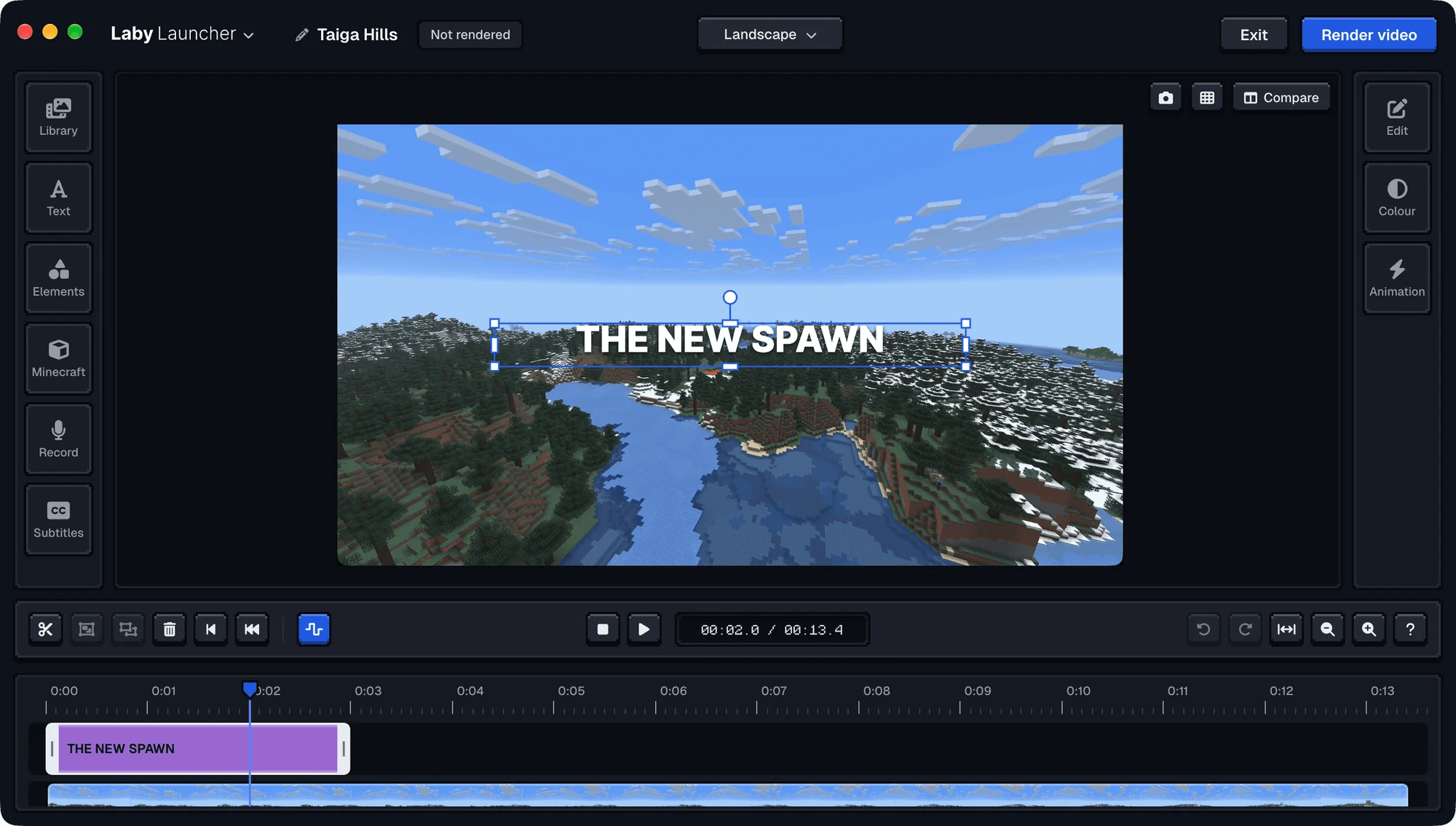
The Laby Launcher got Clips: instant replay saves your best moments with one key, and the clip editor lets you cut them and add captions. Read more about Clips.
And with the Phone HUD in the Laby app, your phone becomes a second screen for Minecraft. Read more about the Phone HUD.
By the way: new version numbers
With the new name we also simplified the version numbers. The first Laby Client release is version 47, the next one will be 48, then 49. Every update counts up by one, and only a quick fix in between gets a decimal, like 47.1. That is all there is to it, and for most of you it will not matter anyway: the launcher keeps the client up to date on its own, and if you ever want to know which version brought what, it is in the changelog.
Get the update
Laby Client is available now. Start the Laby Launcher and it updates the client automatically. Don't have it yet? Download Laby Client here and jump right in.
Found a bug or have an idea? Tell us on our feedback platform. Many of the changes in this update started there.
Keywords
Read next
 Laby
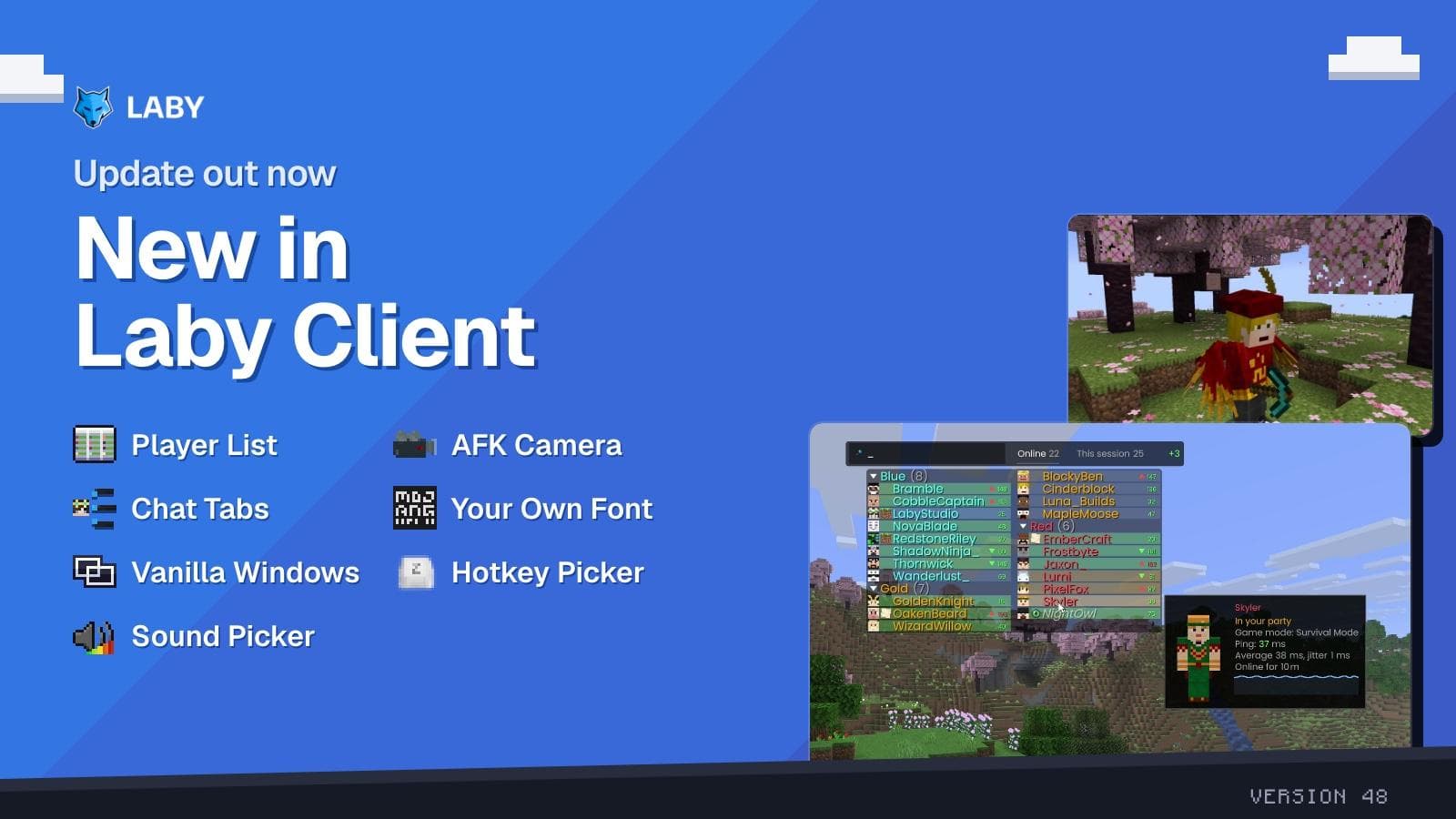
LabyA smarter player list, the AFK Camera and chat tabs in a few clicks
New in Laby Client: a player list with Interactive Mode, the AFK Camera, a chat tab wizard, your own font everywhere and new windows for Vanilla.
 Laby
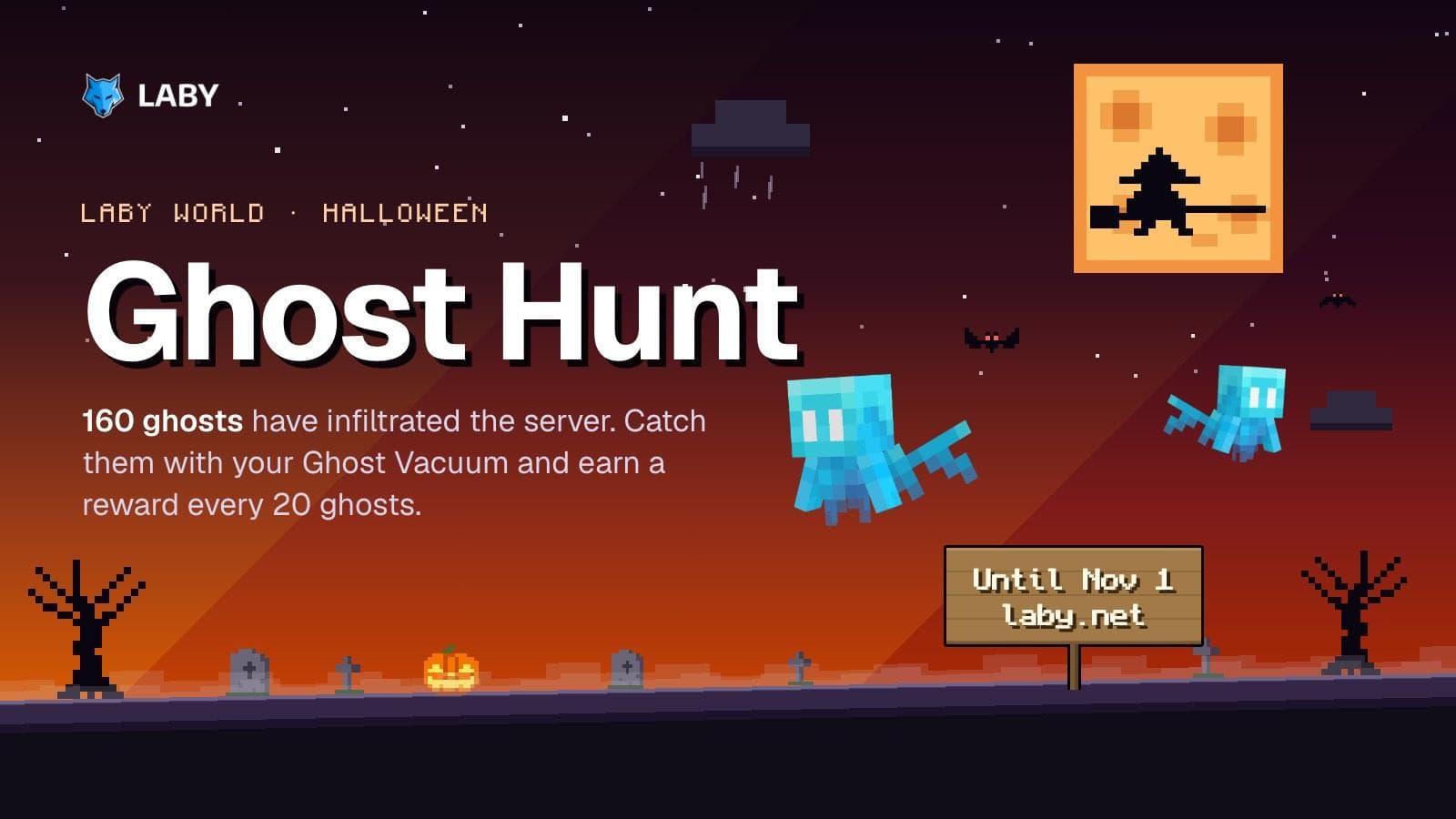
LabyGhost Hunt on Laby World: catch 160 ghosts until November 1
160 ghosts have infiltrated Laby World. Catch them with the Ghost Vacuum until November 1 and unlock loot boxes and three Halloween cosmetics.
 Laby
LabyHalloween Season 2026 | New Cosmetics & Mimic Lootbox Event
Halloween has arrived at Laby! Discover new Halloween cosmetics and earn free Mimic Lootboxes with a chance to unlock an exclusive permanent Mimic Pet!
Comments (0)