Minecraft Skin Clothes:1,100+ Free Pieces for Your Skin
Put hoodies, jackets, hats and shoes on your own Minecraft skin in one click. 1,100+ free clothes, plus a matching outfit for every Minecraft cape.
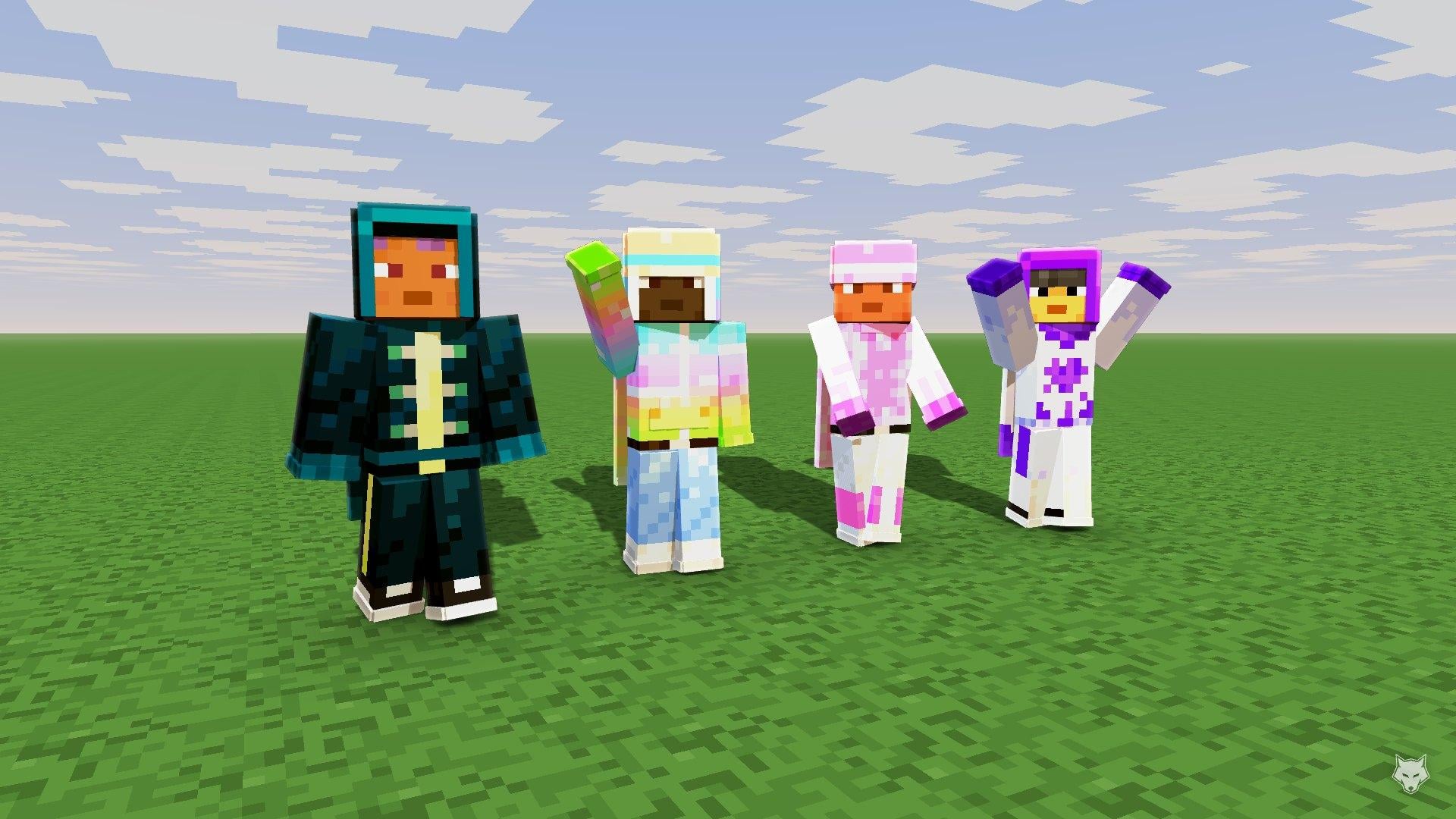
Finding a skin you like is easy. Finding one that is your face in a hoodie you like is not. So instead of hunting for the perfect skin, keep yours and change what it wears.
That is what the new clothing gallery is for: more than 1,100 hoodies, jackets, trousers, hats, shoes and accessories, each one drawn as its own layer that goes on over any Minecraft skin.
What is in the gallery
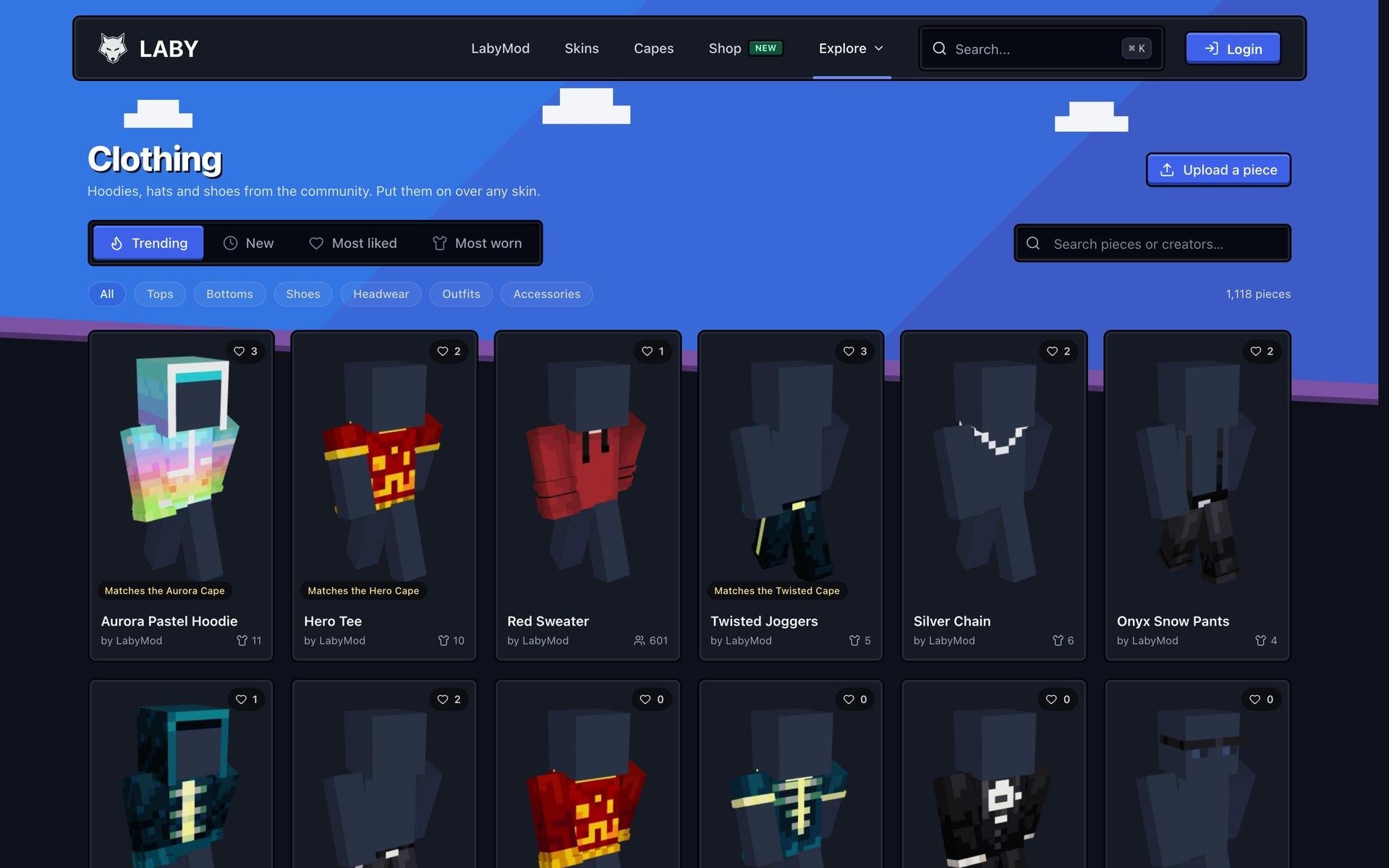
Everything is sorted into six categories: Tops, Bottoms, Shoes, Headwear, Outfits and Accessories. Browse what is trending, what is new, what people liked most or what is worn most in the game, or search for a piece or a creator.
A clothing piece only paints the piece itself. A hoodie is a hoodie, not a whole skin, which is why it fits your skin instead of replacing it: your face, your hair and everything the piece does not cover stay exactly as they were.
See every piece on your own skin
Signed in, flip On my skin in the gallery and every card shows the piece on your current skin instead of the grey mannequin. Hovering a card does the same, even with the switch off.
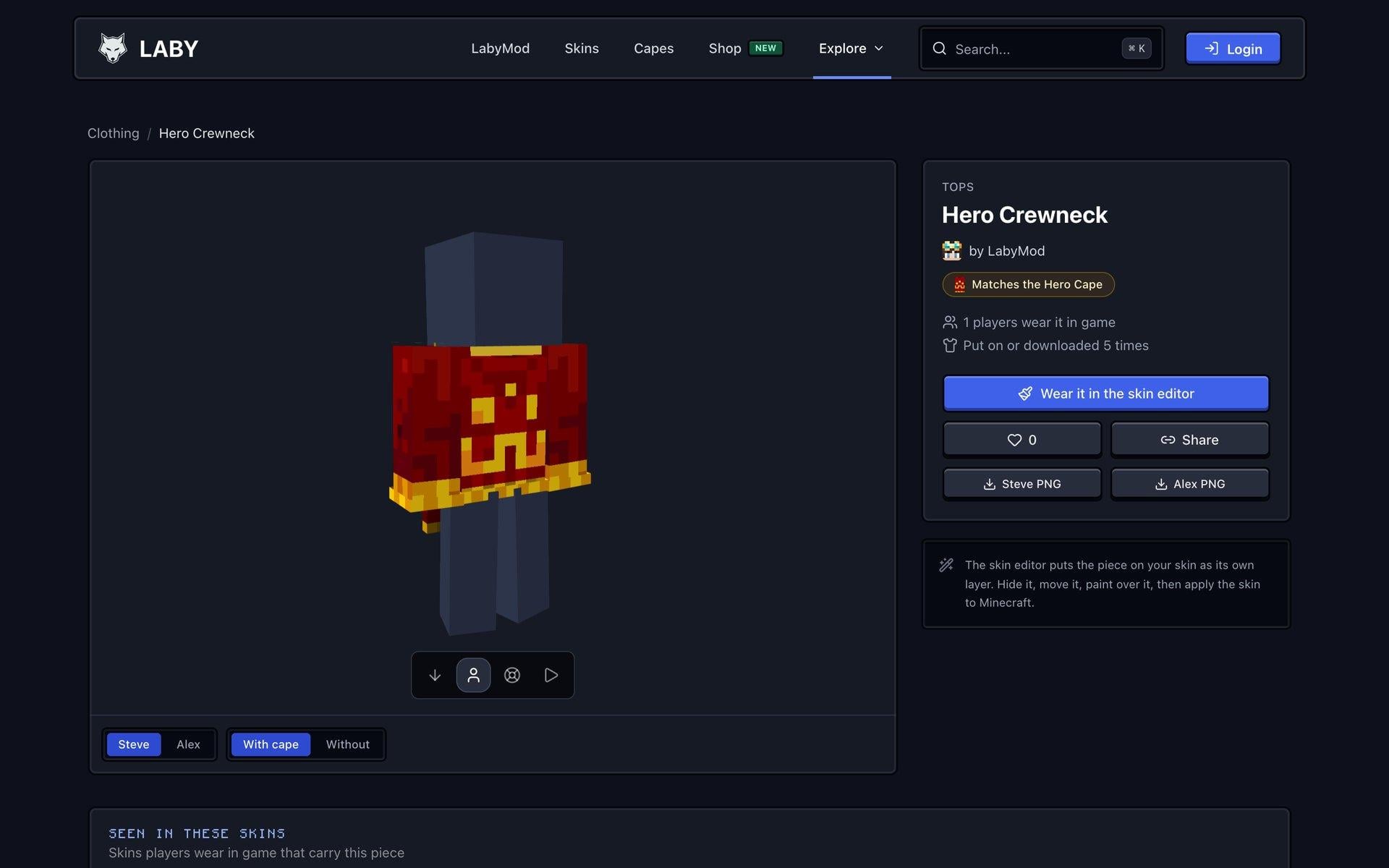
Each piece has its own page with a 3D preview you can turn around, for Steve and Alex arms, with or without the cape it was made for. From there you can:
- Wear it in the skin editor: the piece goes on your skin as its own layer. Hide it, move it, paint over it, combine it with more pieces, then apply the skin to Minecraft.
- Download it as a PNG for Steve or Alex arms if you would rather edit it in your own tool.
- Like it to find it again later.
Under the preview you also see the skins players actually wear in the game that carry the piece.
Matching clothes for every cape
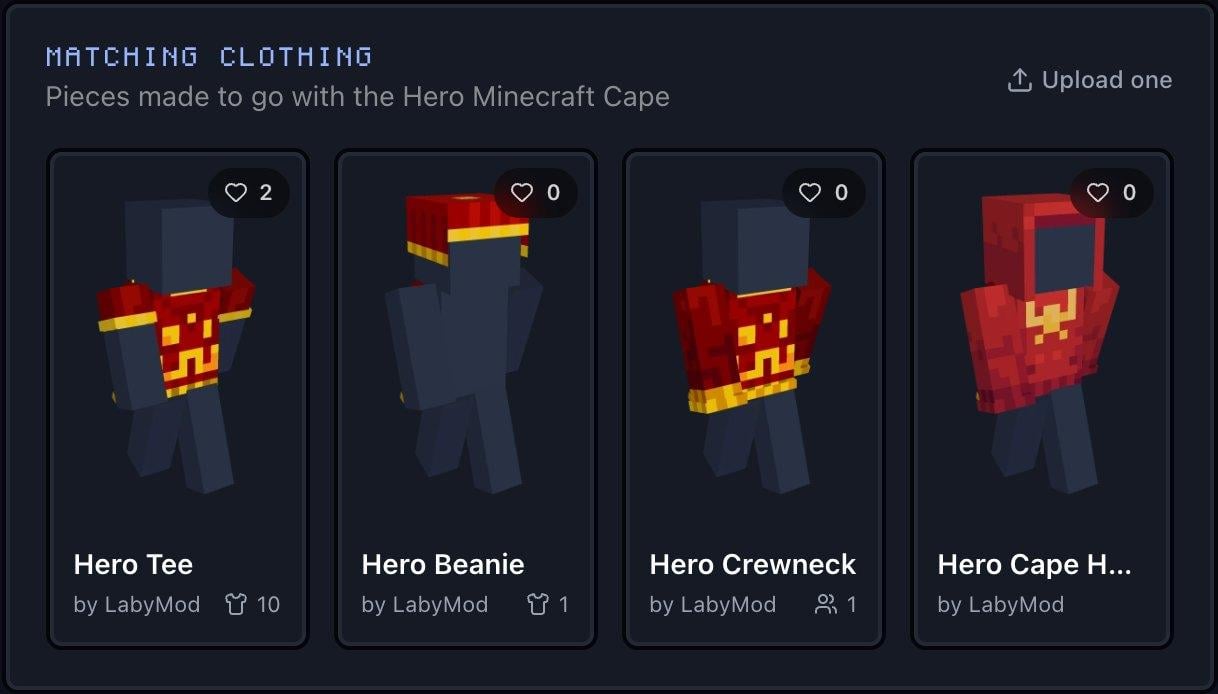
This is the part we like most. Every official Minecraft cape now has matching clothing: print tees, crewnecks, hoodies, jackets, trousers and hats, drawn from the cape's own art and colours.
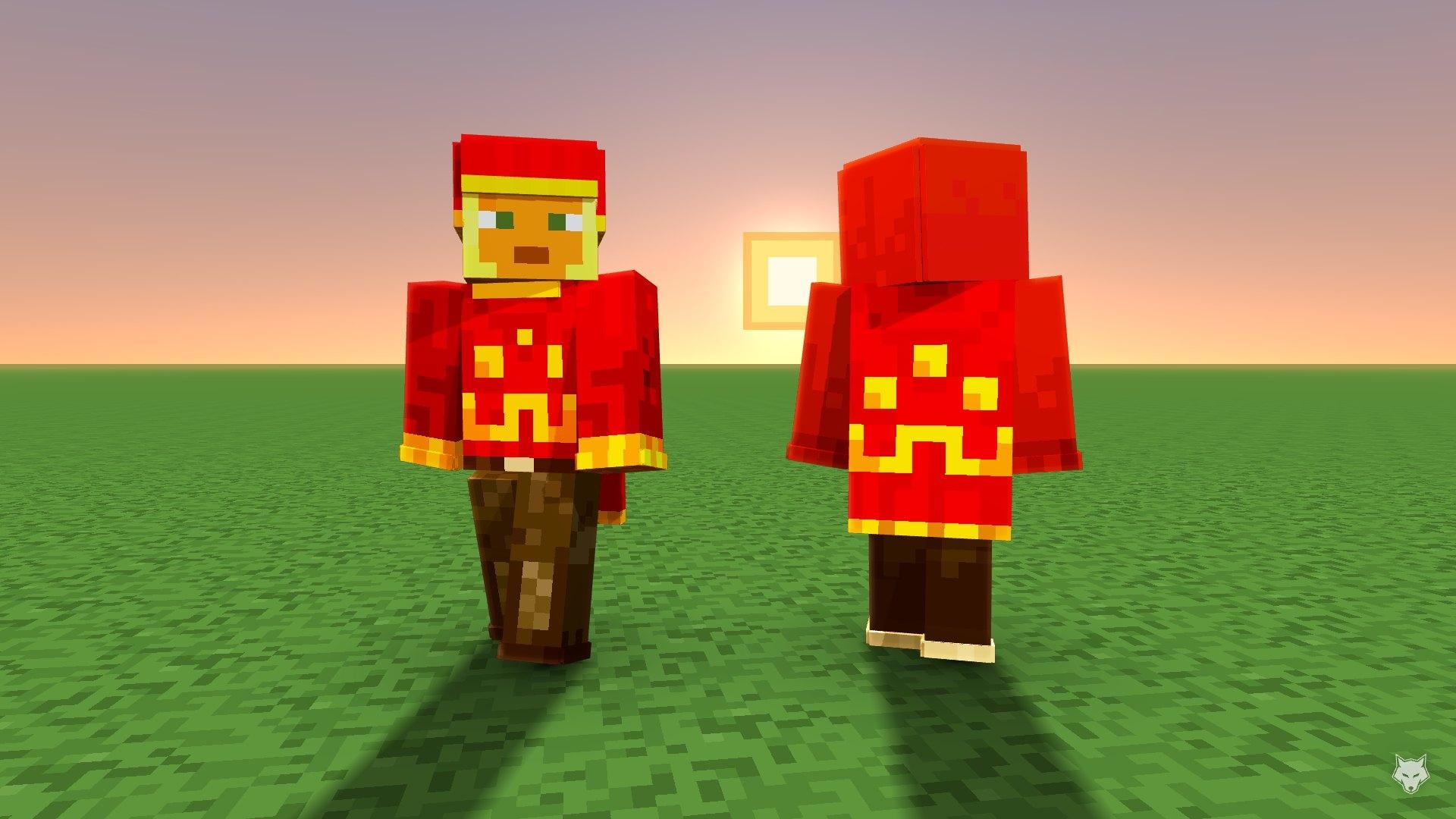
You find them on every cape page under Matching clothing, and in the gallery a badge tells you which cape a piece goes with.
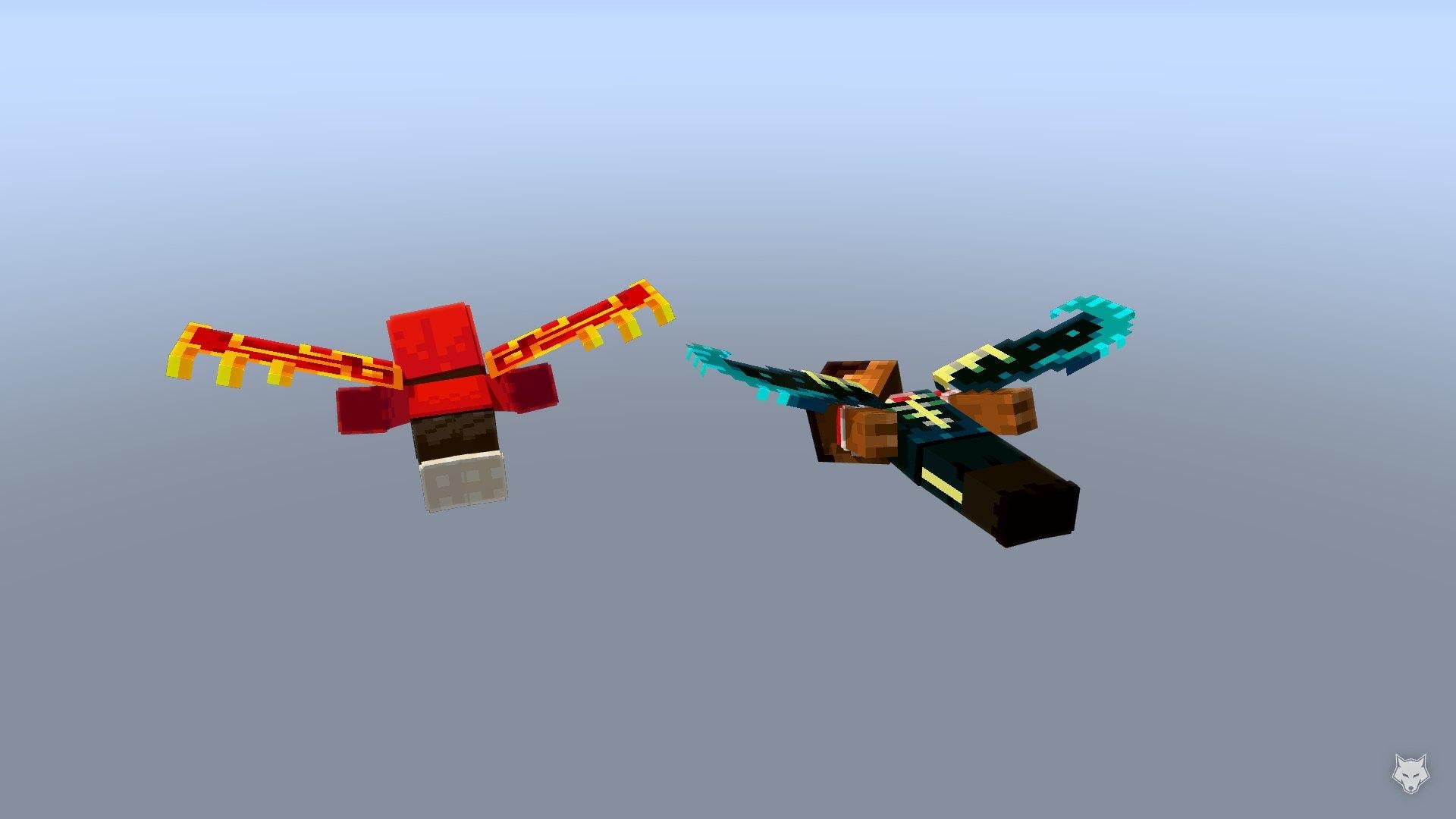
It works with elytra too, because the cape texture wraps onto the wings:
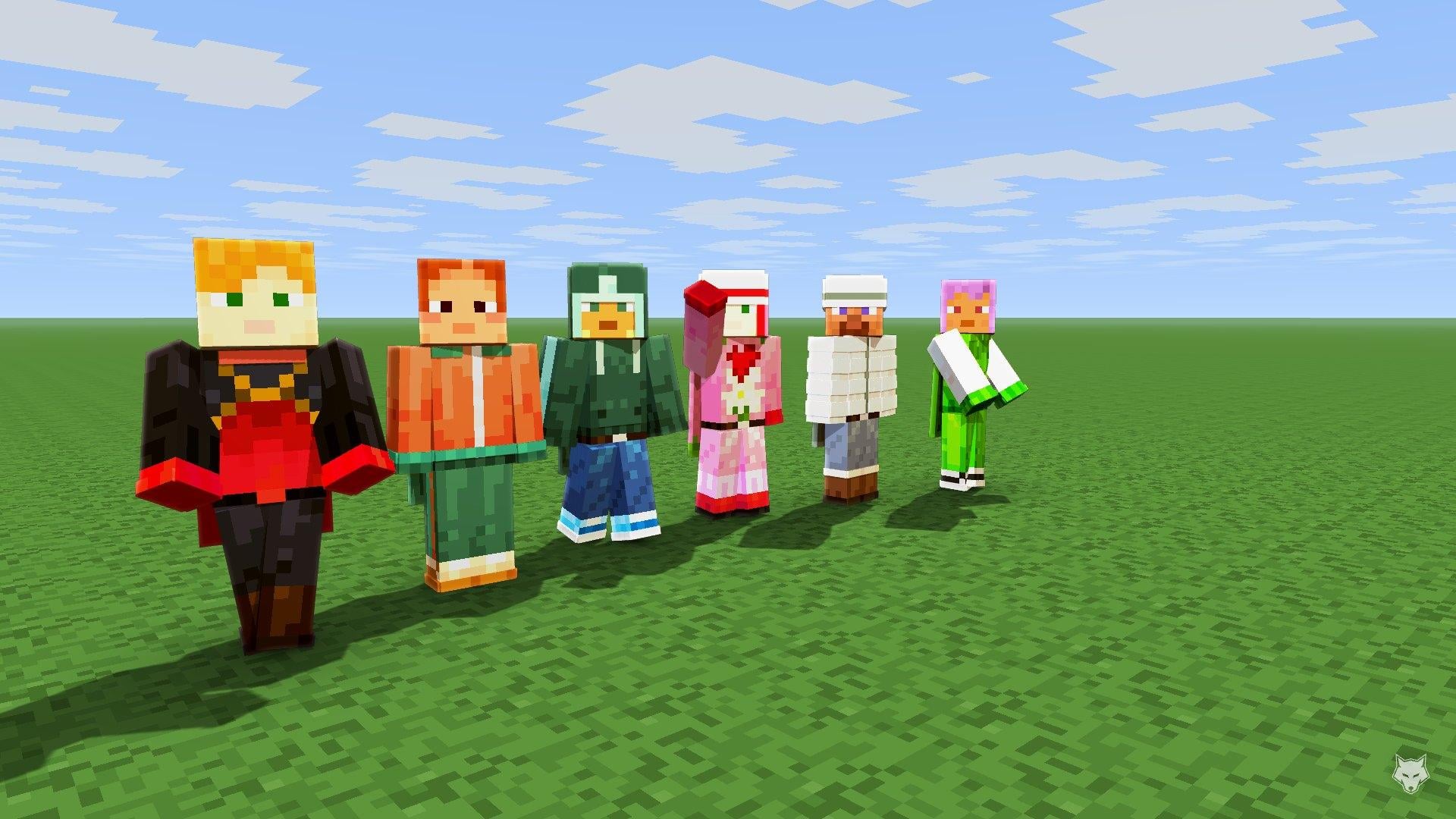
A few more sets, from left to right: Migrator, Copper, Prismarine, Valentine, Snowman and Spade.
Make pictures like these
Every render in this article was made in the Render Studio, with skins dressed in the gallery:
- Put the pieces you want on your skin in the skin editor.
- In the skin editor's menu, choose Create render.
- In the Player panel, pick a cape, or switch it to elytra.
- Choose a pose, the sky, the lighting and the camera, add up to six people, then download the picture.
Upload your own pieces
Drawn something good? Upload a piece in the gallery takes a PNG that only paints the piece and leaves the rest of the skin transparent. Upload it for Steve arms, Alex arms or both, give it a name and a category, and say which cape it goes with if it was made for one. The 3D preview shows you how it sits before you publish.
Your pieces show up on your profile, and every like and every player wearing it in the game counts towards them.
Clothing found in skins
The gallery also works the other way round: when a skin carries a piece from the gallery, the skin page lists it under Clothing in this skin and links to its creator. That way a piece keeps its credit wherever the skin travels.
A few pieces from us
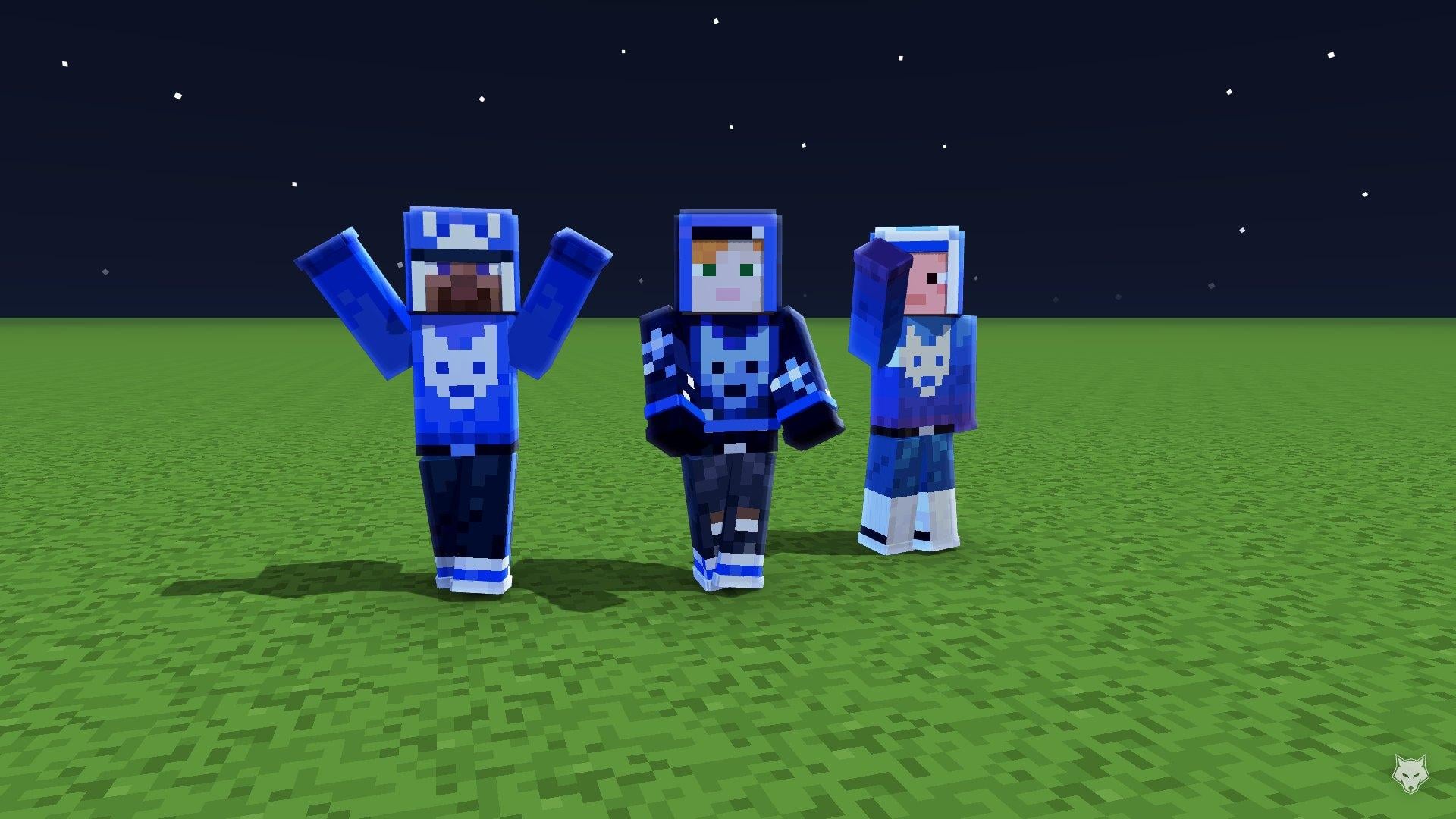
We also dressed up the wolf: a handful of Laby pieces with our logo, from the Starry Midnight Hoodie to a cap with the wolf on it.
Browse the gallery
Open the clothing gallery, find your cape's matching set, and put something new on your skin. Or check your favourite cape to see what goes with it.
Keywords
Read next
 Minecraft
How to Get the Aurora Cape in Minecraft - Free for watching Dungeons II streams
The Aurora Cape is free for Java and Bedrock: watch a Minecraft Dungeons II stream on Twitch or TikTok until October 14 and redeem the code.
 Minecraft
How to Get the Twisted and Hero Cape in Minecraft
Minecraft Dungeons II brings two new capes to Java and Bedrock. How to unlock the Hero Cape (Game Pass is enough) and why the Twisted Cape is gone.
 Minecraft
The best Minecraft Halloween Skins 2025 🧟
Check out the best halloween skins for Minecraft 2025! 🧟
Comments (0)